
MetaSlider Gallery and MetaSlider Slideshow plugins both have a really cool new way to make your galleries match your site’s design: Image Styles.
What are Image Styles? You’ll know what they are if you’ve ever used Instagram.
When you upload an image to Instagram, they have a “Filters” feature. You can make your image more colorful and vibrant. Or make it appear more old-fashioned with a black-and-white filter.

Filters allow you to quickly change the look, color, and mood of your photos and videos. And you can now use them with the MetaSlider plugins.
MetaSliders gives you Instagram-style filters that can quickly change the appearance of your photos. You can choose from 14 presets, including Noir, Silver, Vintage, Golden Hour, Warm, Cool, Vivid, Dramatic, and Negative.
Here’s an example of a regular gallery created with MetaSlider Gallery. We haven’t applied any image styles to this gallery,

Here’s the same gallery but with the “Dramatic” filter enabled and rounded corners:

And here’s the same gallery with the “Vintage” filter and box shadows:

These filters also work inside lightbox windows. In the screenshot above, we used the “Vintage” filter for the main gallery layout. If you click on the image to open the full gallery window, you’ll now see the “Vintage” filter applied here too.
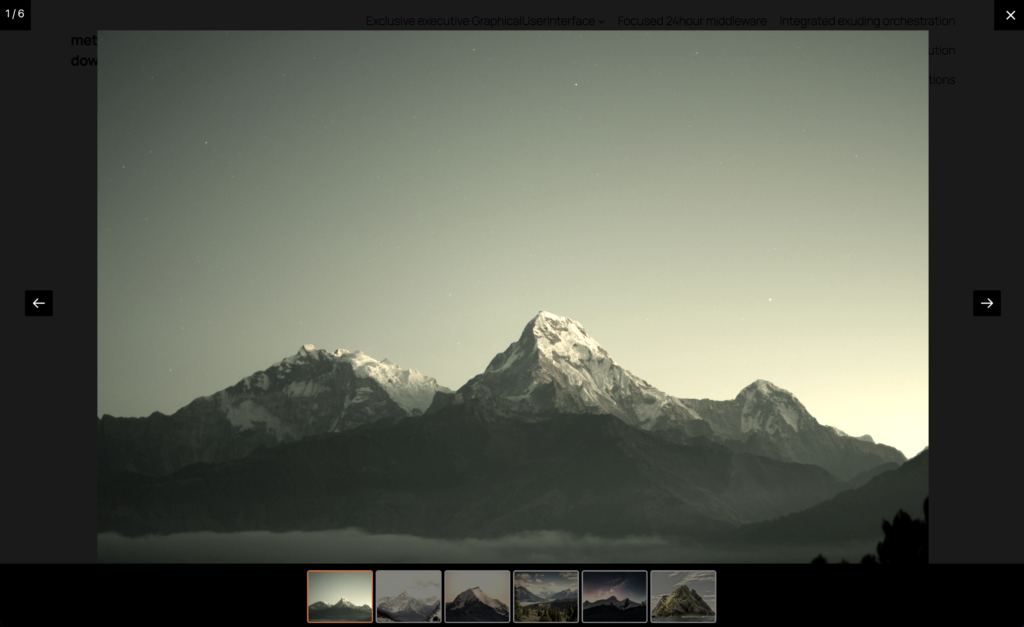
Table of Contents
Video guides to the new features
If you use the MetaSlider Slideshow plugin, here’s a video guide to this new feature:
Here’s a video guide for MetaSlider Gallery users:
Wait … there are more new features!
The new Image Styles feature provides filters, but also a lot more.
You can now re-style your images with rounded corners, borders, shadows, opacity, and rotate or flip effects
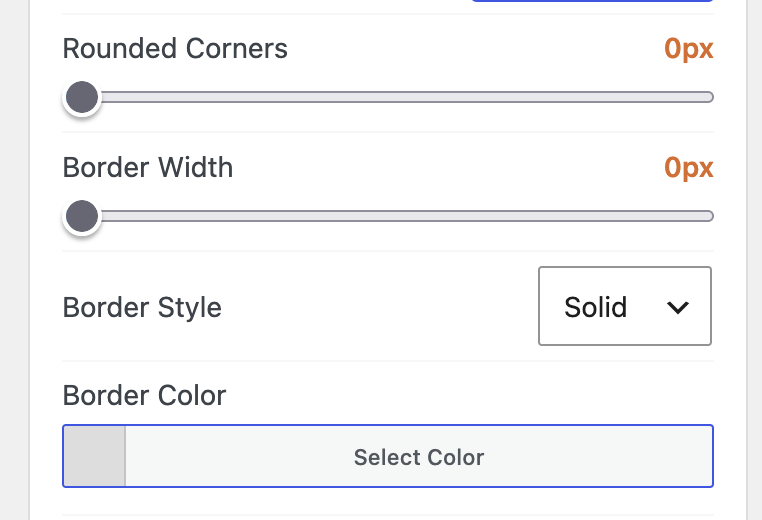
You can use box shadows and opacity controls to make gallery images feel more polished.
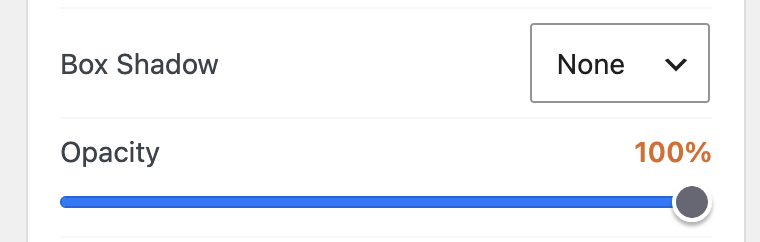
Examples of these image styles in action
Here’s an example of MetaSlider slideshow. We’re using the “Golden Hour” filter, plus 20px rounded corners and 1px border. Click on the images, and you’ll see the images also have the filter in the lightbox window.



Get the best WordPress slideshow plugin
MetaSlider Slideshow is the best WordPress slider plugin.
You can create stylish sliders using images, videos and much more.

Get the best WordPress gallery plugin
MetaSlider Gallery is the best WordPress gallery plugin.
You can show WordPress images, videos, and slideshows in a stylish gallery.