
Hey, and thanks for using MetaSlider!
Our goal is to build the most user-friendly image plugins for WordPress.
June and July were really busy months for our team, and we added lots of useful new features to MetaSlider Gallery.
To help you catch up, we’ve put together a top 10 list. Here’s a quick look at the improvements to MetaSlider Gallery that we think will make the biggest difference when you build and manage your galleries.
If you use the MetaSlider Slideshow plugin, here’s what’s new.
Table of Contents
1. Live gallery preview
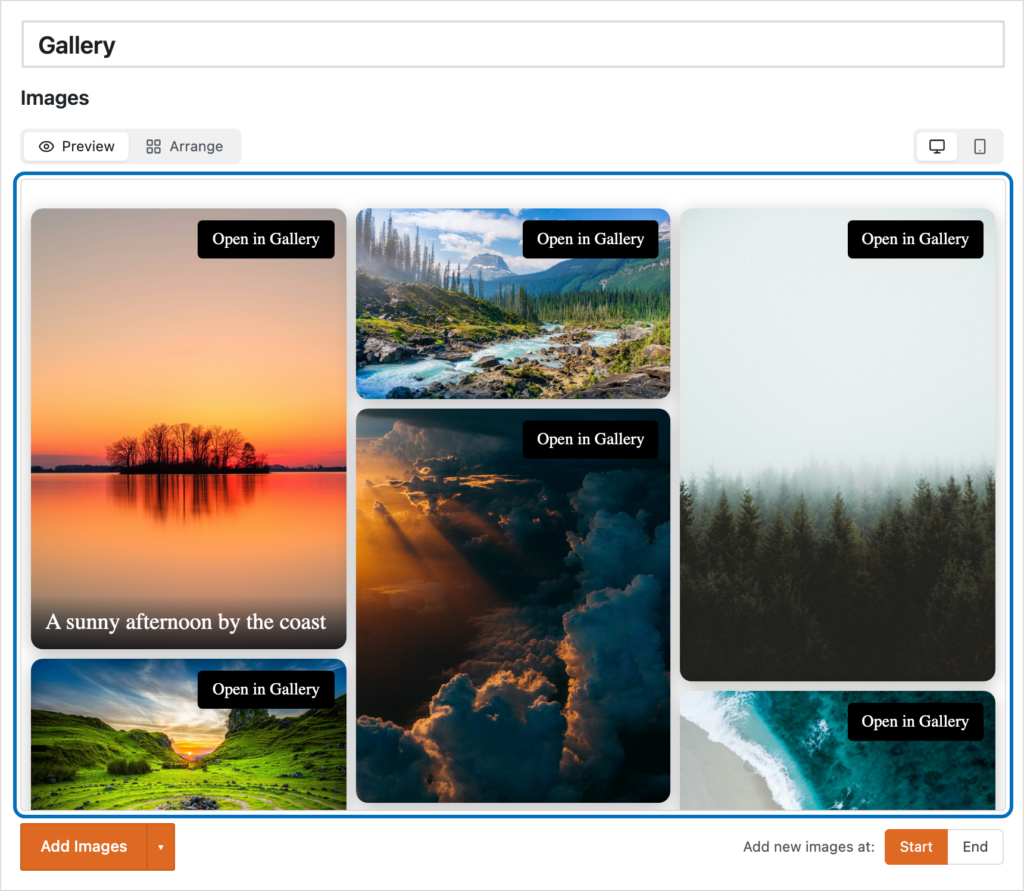
When editing a gallery, you’ll now see “Preview” and “Arrange” options. These let you switch easily between organizing your images and seeing how the finished gallery will look to visitors. The example below shows a live preview of a gallery using the Masonry layout. You can also switch between Desktop and Mobile views to check how your gallery will look on different screen sizes.
2. Easier caption editing
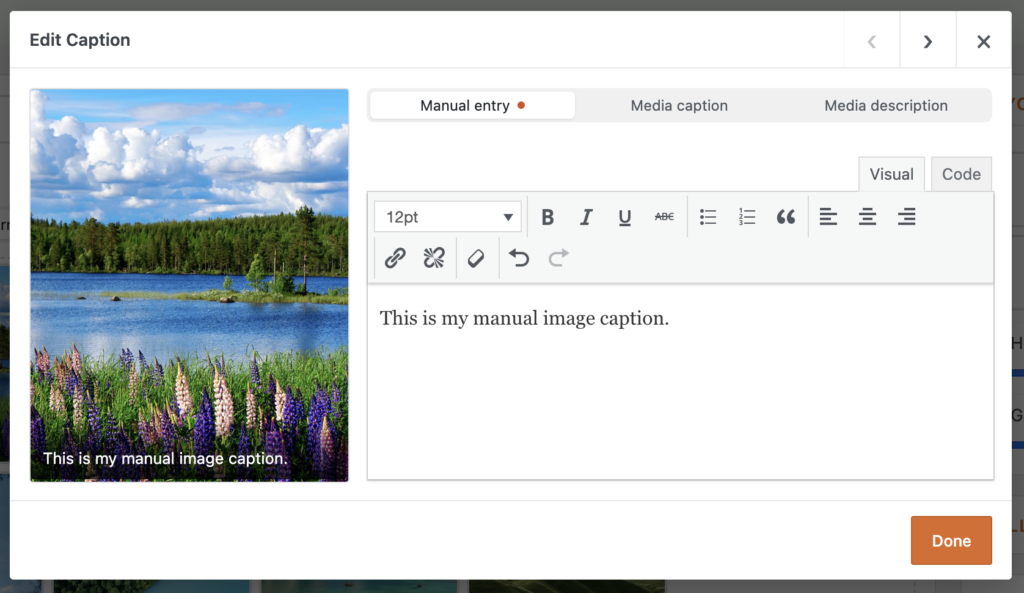
Editing captions is now quicker and easier. Each image has its own editing window, where you can enter a caption manually or use the image’s existing WordPress media caption or description.
3. Image download sizes
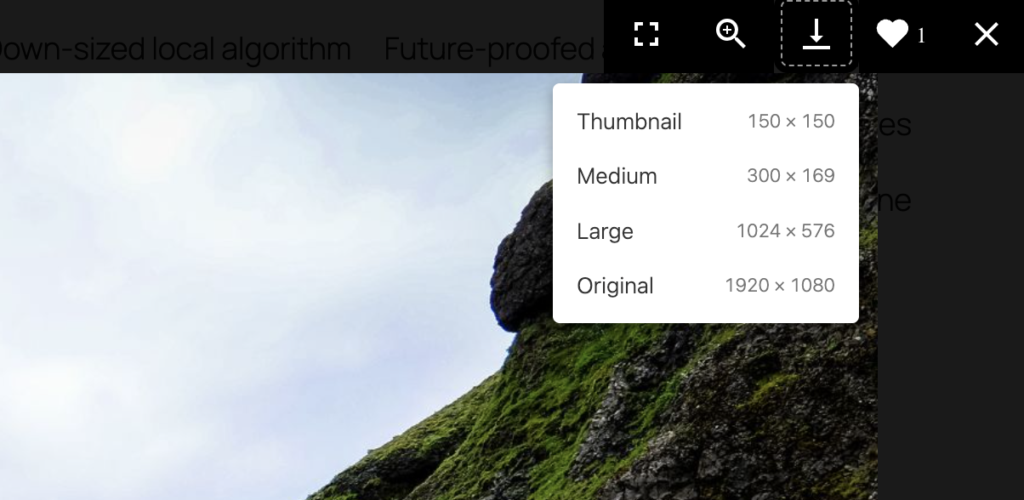
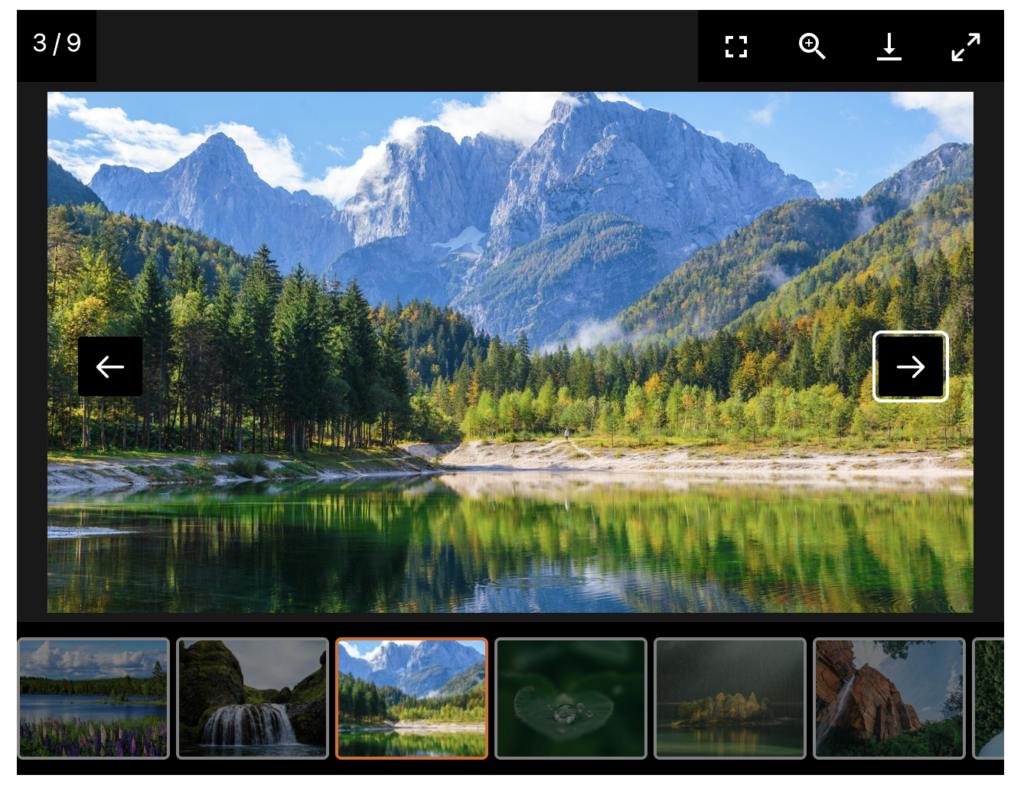
MetaSlider Gallery Pro now includes a “Download Sizes” setting for each gallery. This lets you choose which image sizes visitors can download from the gallery window. As shown below, visitors can select the size that best suits their needs before downloading an image.
4. Image likes
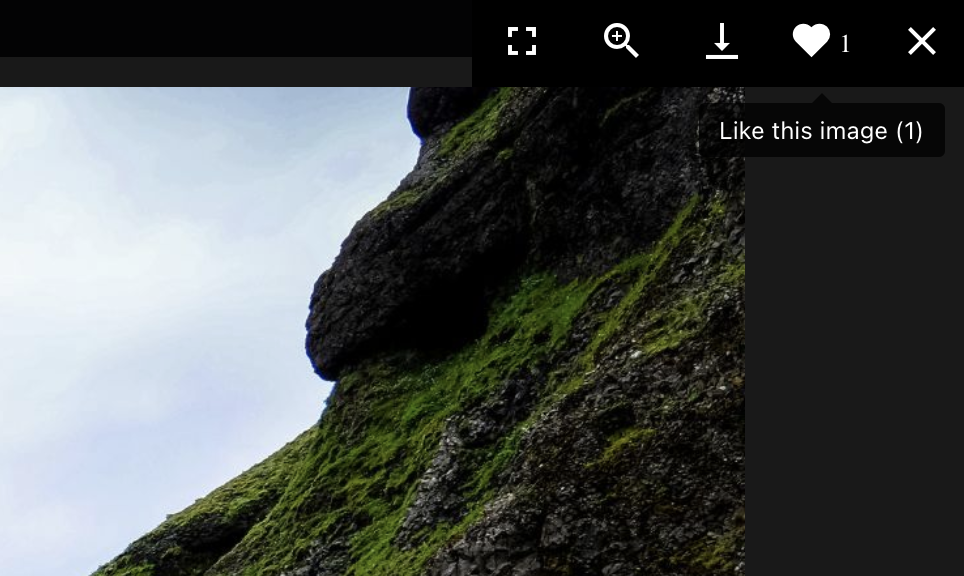
MetaSlider Gallery Pro users can now let visitors like individual images. The screenshot below shows how the “Like” button appears in the gallery window. To enable this feature, open the “Toolbar” settings and select “Like.” Each IP address or logged-in user can cast one vote per image.
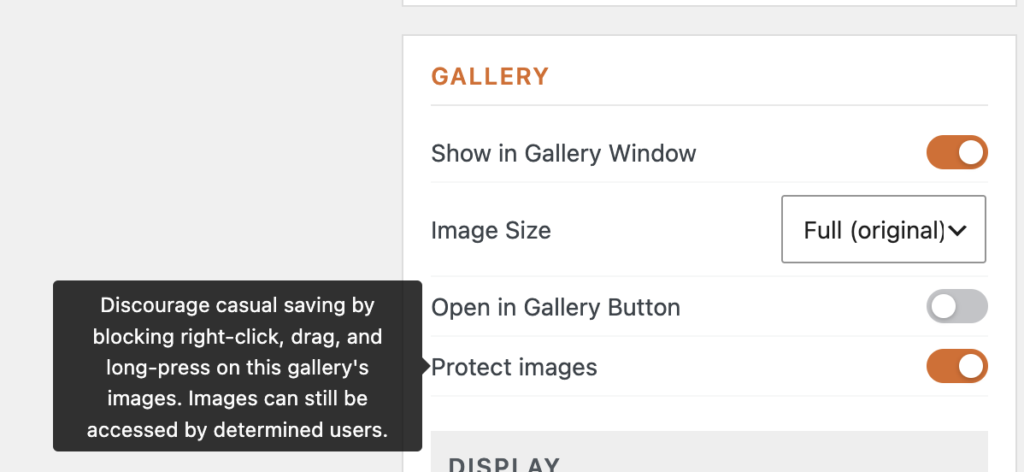
5. Image protection
MetaSlider Gallery Pro now includes image protection options that can block right-clicking and dragging images to save them. These measures cannot prevent every download, but they can help discourage casual copying.
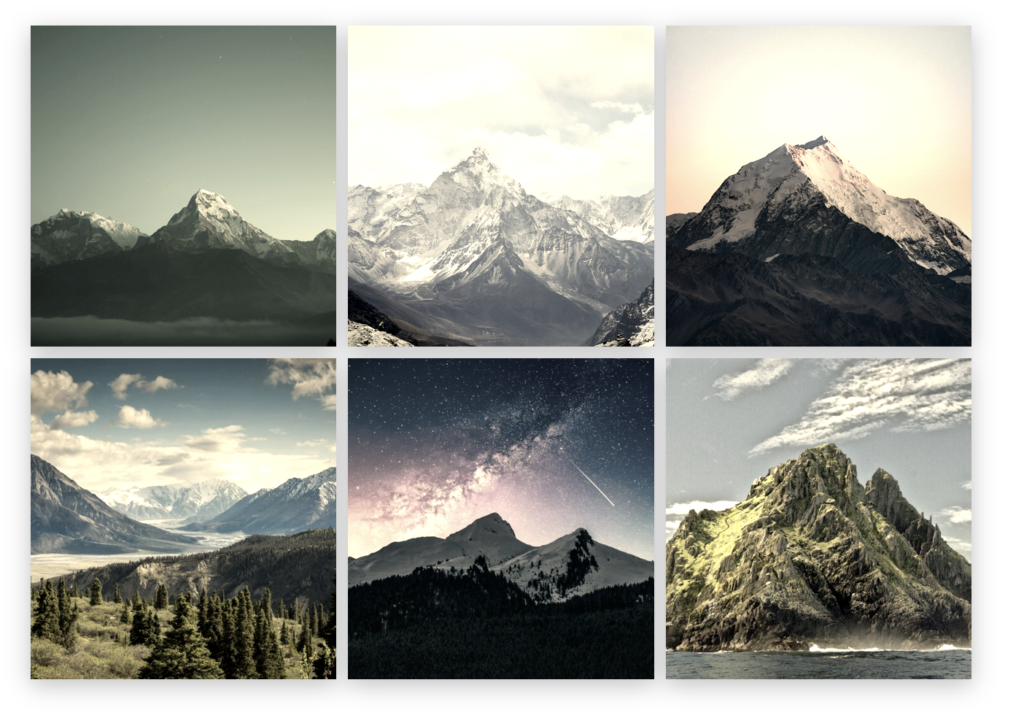
6. Image filters
The new “Image Styles” panel is available in the gallery editor sidebar. It gives you Instagram-style filters that can quickly change the appearance of your photos. Choose from 14 presets, including Noir, Silver, Vintage, Golden Hour, Warm, Cool, Vivid, Dramatic, and Negative. Here’s a gallery using the “Vintage” filter with box shadows:
Here’s a video guide to that feature:
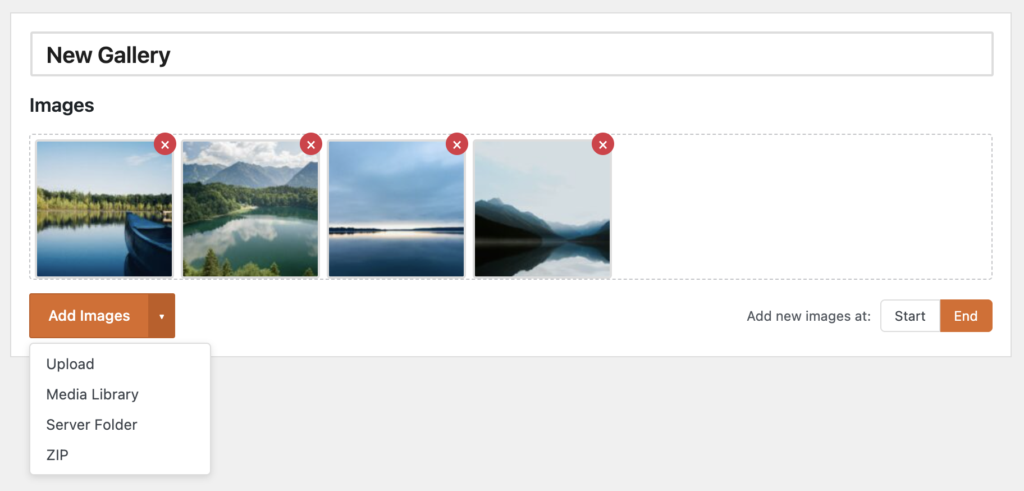
7. Easier image uploads and imports
You can now add gallery images from more sources, which should be especially helpful when building larger galleries or migrating image collections into WordPress.
- Upload: Add new image files directly when building a gallery.
- Media Library: Choose images that are already available in WordPress.
- Server folder import: Pull in images that already exist on your server.
- ZIP import: Bring in a batch of images from a ZIP file.
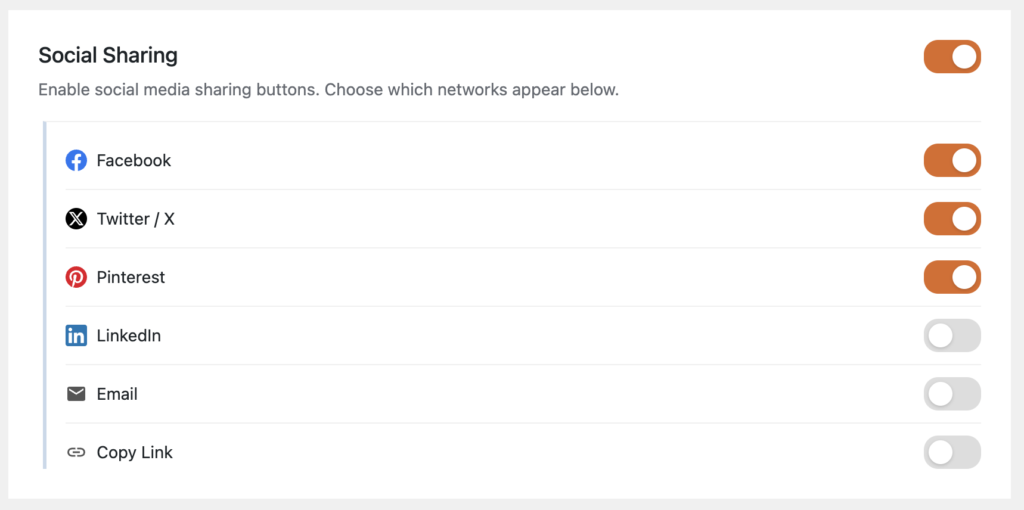
8. More social sharing options
MetaSlider Gallery Pro users can now choose which social networks visitors can use when sharing images. This lets you display only the sharing options that make sense for your audience.
9. Thumbnail navigation
Thumbnail navigation now has a cleaner, more consistent appearance when images are opened in the full-screen gallery. New styling options give you more control over its design, while consistent thumbnail heights keep the navigation tidy, even when your original images have different dimensions.
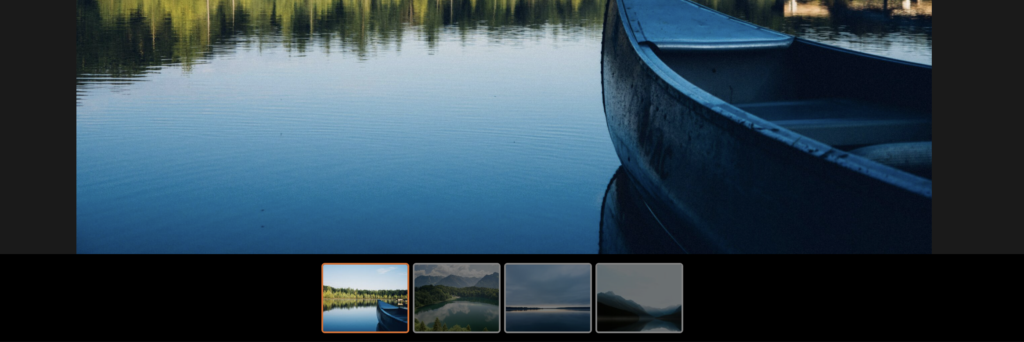
10. Improved Carousel galleries
We’ve also improved the Carousel layout. A new frame helps define the carousel area more clearly, and the “Appearance” tab lets you customize its color and style.
Create beautiful WordPress galleries with MetaSlider
Ready to try these new features?
MetaSlider Gallery makes it easy to display WordPress images, videos, and slideshows in stylish, responsive galleries.

Get the best WordPress gallery plugin
MetaSlider Gallery is the best WordPress gallery plugin.
You can show WordPress images, videos, and slideshows in a stylish gallery.