
This post is about a release of the MetaSlider Gallery plugin. This is the quickest, easiest, and most stylish way to add a photo gallery to your WordPress site.
MetaSlider Gallery Pro 1.5 adds several excellent new features. These include branded watermarks, photo metadata, YouTube and Vimeo gallery ivideos, and a new before-and-after comparison layout.
This is a major update for photographers, agencies, publishers, and site owners who want richer visual galleries without adding extra tools.
Table of Contents
YouTube and Vimeo videos
MetaSlider Gallery Pro users can now dd videos to galleries by entering a YouTube or Vimeo URL directly in the gallery editor. You can also add videos hosted on your own website and on Livid.com. Here’s an example of the YouTube Gallery in action, using videos from our YouTube channel:



Watermarking
Add a logo watermark to lightbox images, with controls for placement, size, margin, and opacity. The new watermarking option is especially useful for photographers and brands that want to protect or identify images when visitors open them in the gallery window. You can configure global defaults and adjust watermark behavior per gallery, so different galleries can use different presentation settings. Here’s an example of a gallery with watermarks on the images. We’ve added the MetaSlider logo in the bottom-right corner.




Photo metadata
MetaSlider Gallery can now show EXIF details such as camera, lens, aperture, date, and GPS information. You’ll find these settings under the “Captions” option.
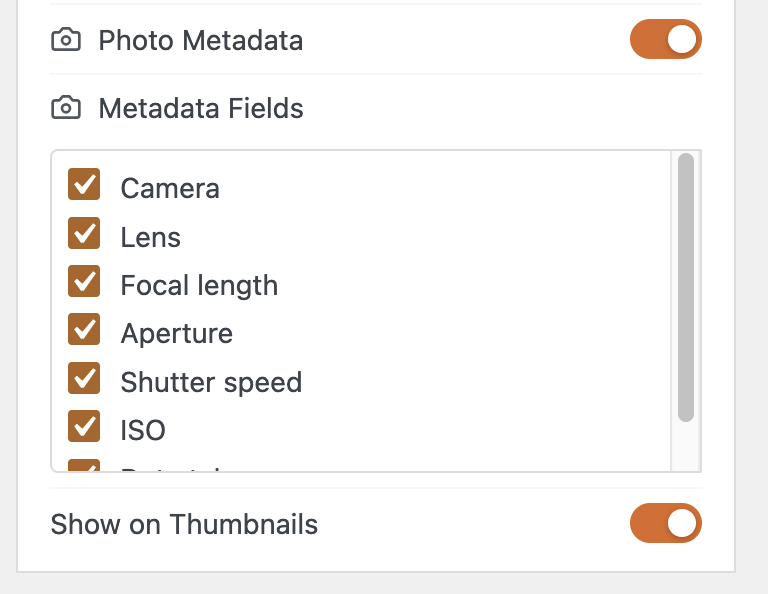
Here’s an example of a gallery that shows photo metadata. Thanks to the WordPress.org Photos team and contributors for these images.
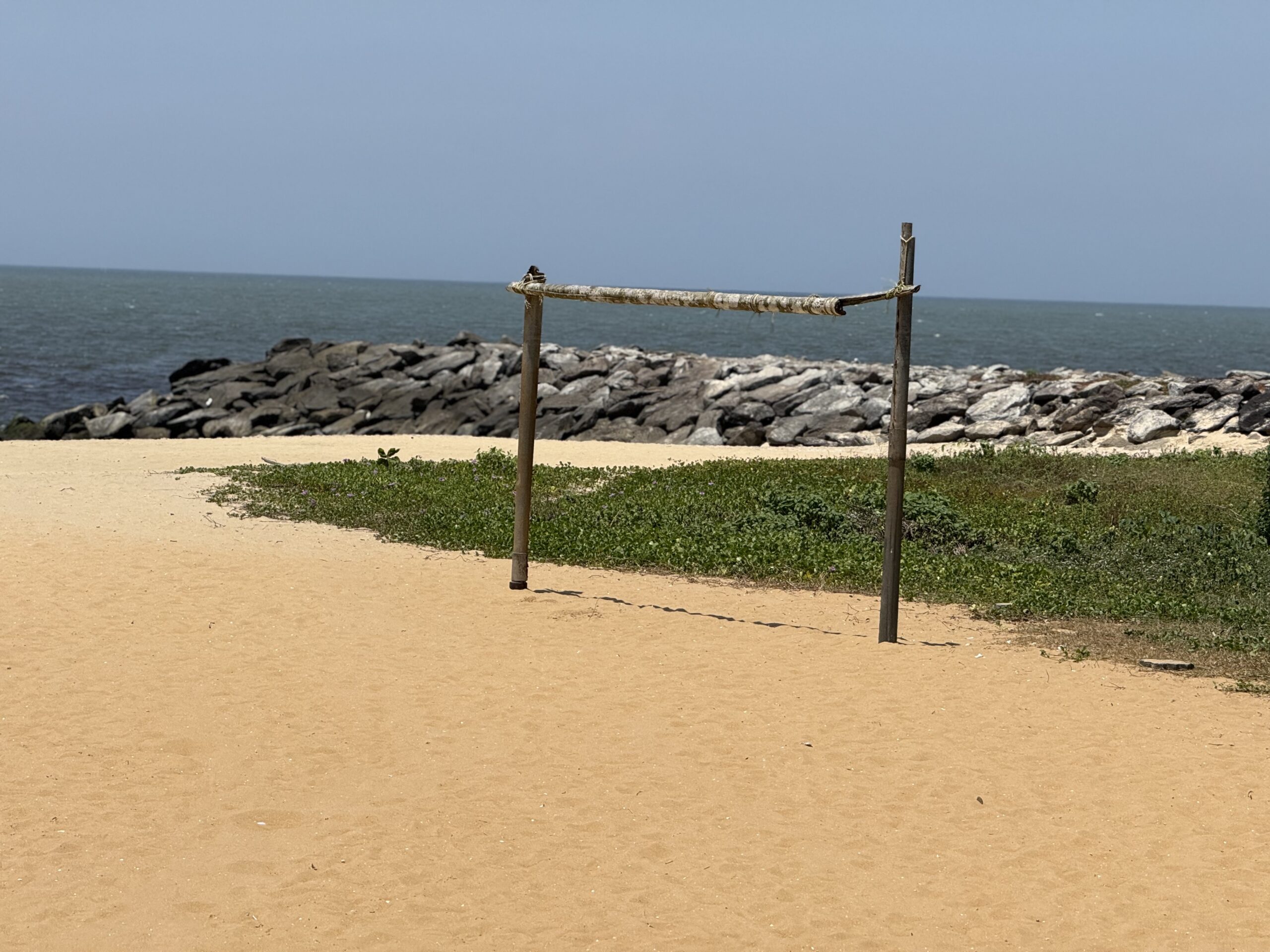
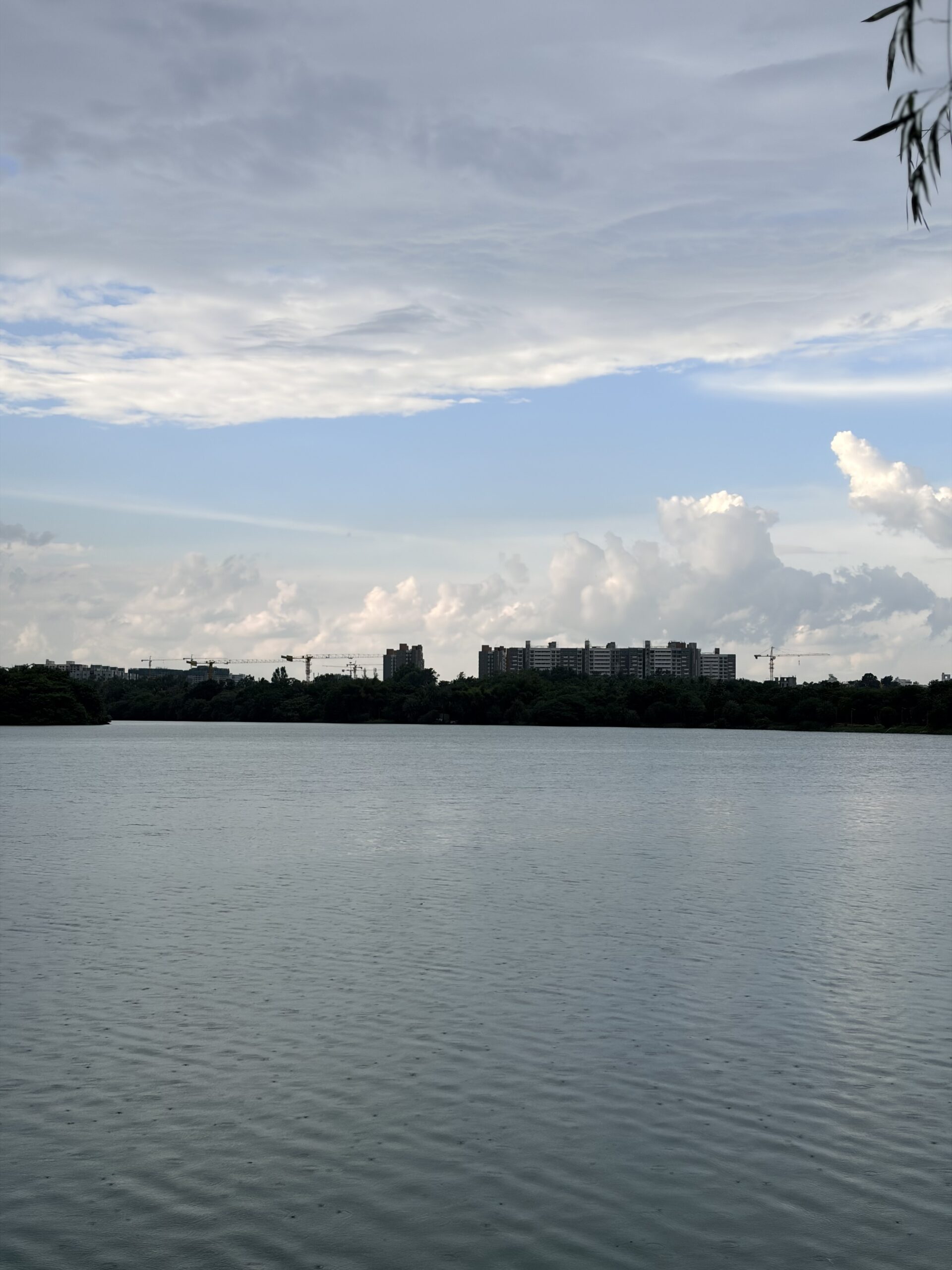

MetaSlider Gallery Pro allows you to show camera settings on gallery thumbnails as well as inside the lightbox, depending on your caption settings.
Photo metadata is now more flexible, too. If you use your galleries to showcase photography, you can surface technical shooting details where they are most useful: in the lightbox, on thumbnails, or both, depending on how you present captions.
Before & After layout
You can now compare two images with a draggable divider, ideal for edits, restorations, design work, renovations, and product comparisons. The new Before & After layout gives you a purpose-built way to show visual change. Add two images, choose the layout settings, and visitors can drag the divider to compare them interactively.


Other changes
- Cleaner watermark settings: Watermark fields are now hidden when the gallery window is turned off, preventing inactive options from appearing in the editor.
- Clearer Before & After editing: Empty Before & After galleries now show a helpful editor explanation instead of a video error.
- Compatibility requirement: This release requires the base MetaSlider Gallery plugin version 2.38.0 or newer.
- Translation updates: Language files were refreshed as part of the 1.5.0 release.
Before updating, make sure your base MetaSlider Gallery plugin is also updated to version 2.38.0 or later so the Pro features can load correctly.
This post provides an overview of the new features in this release of the MetaSlider Gallery plugin. The complete changelogs for both Free and Pro versions are available in our Docs area.

Get the best WordPress gallery plugin
MetaSlider Gallery is the best WordPress gallery plugin.
You can show WordPress images, videos, and slideshows in a stylish gallery.