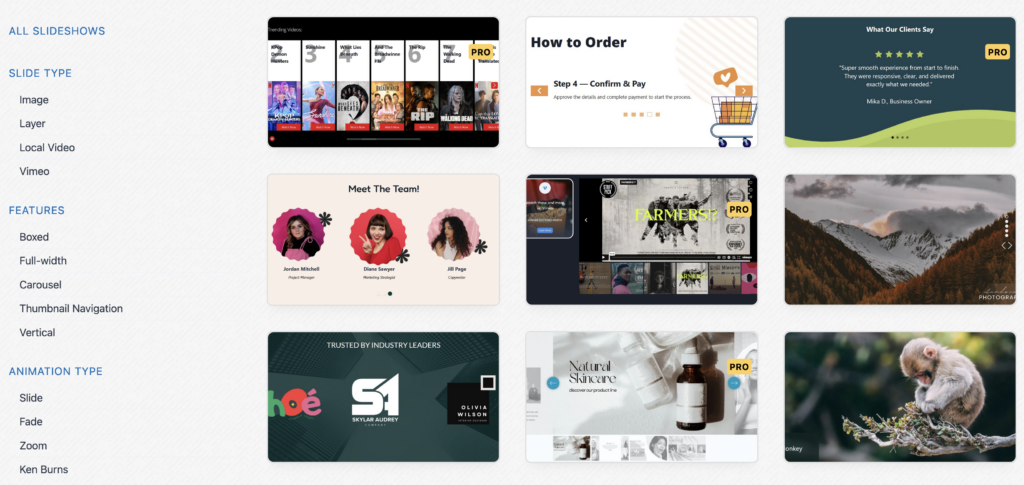
The January releases of MetaSlider and MetaSlider Lightbox are now available. These versions are our first releases for 2026.
We’re building the most user-friendly image plugins in WordPress, and these updates are another step towards that.
You can now upgrade to MetaSlider and MetaSlider Lightbox. In this guide, I’ll show you what’s new in these releases.
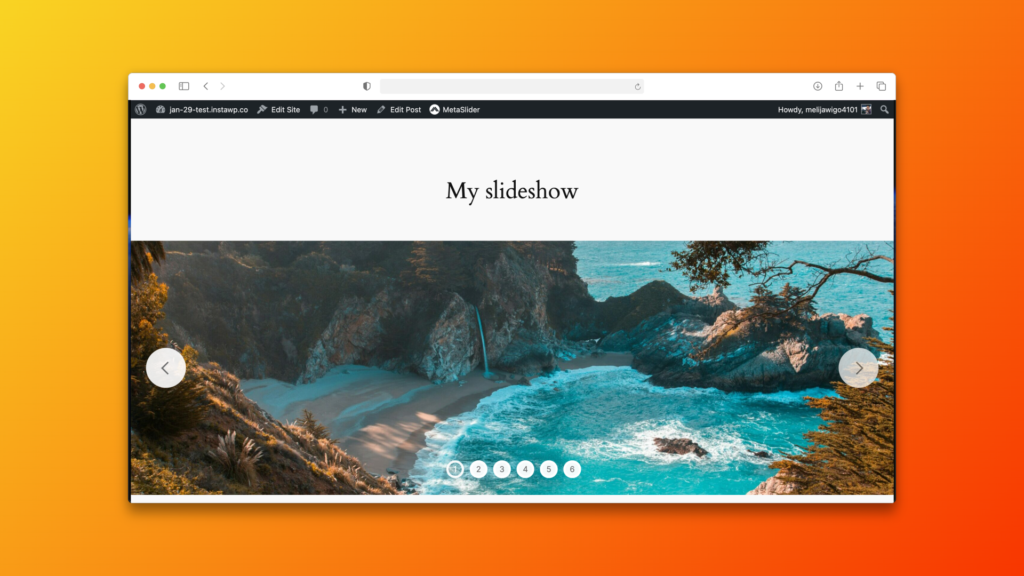
Table of Contents for this post
Full-Width Slideshows
This slideshow feature answers a common request from MetaSlider users. Many of you want an easy way to force slideshows to take up the full width of your site. That’s now possible with new full-width settings.
- 100% Width: This is the default option. The slideshow fills up the space it’s placed into. So if you put a slideshow inside a blog post, it will take up the full width of that post.
- Adjust Width to Target Element: This will force your slideshow to take up the full width of any other element on the screen. The default choice is “body”, which for most themes will mean the full width of your screen.
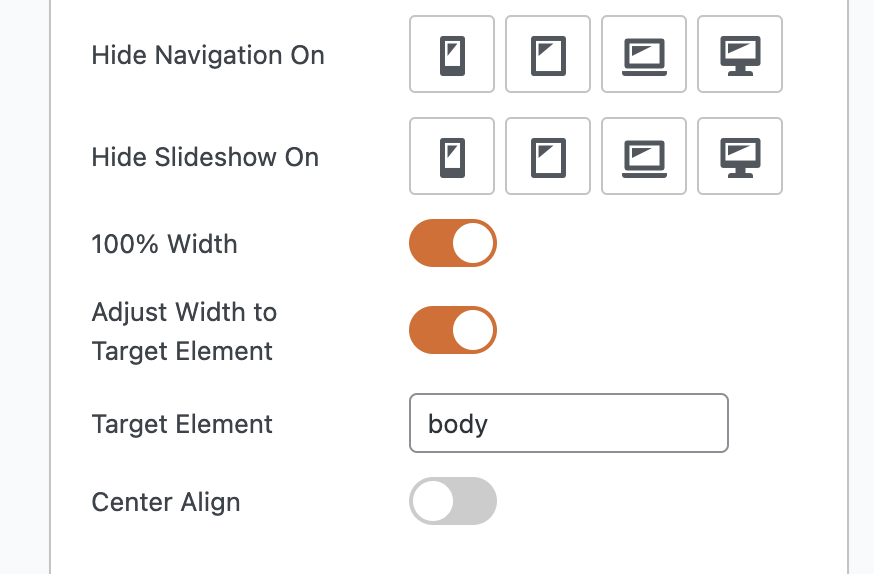
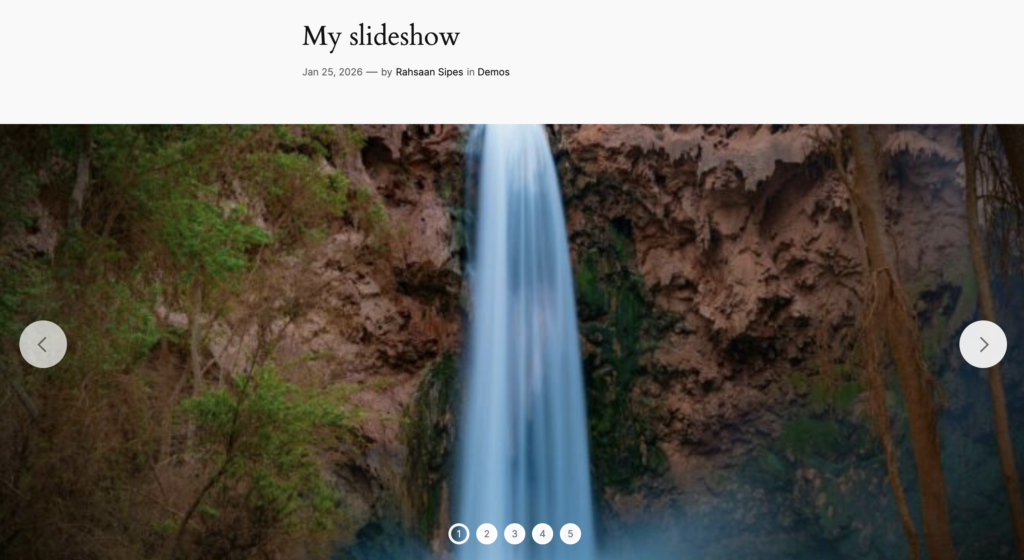
Let’s see a before-and-after comparison. Here’s the old setting that only has the “100% Width” enabled. This is inside the Twenty Twenty-Four theme. The slideshow is taking up the full width of the post area.
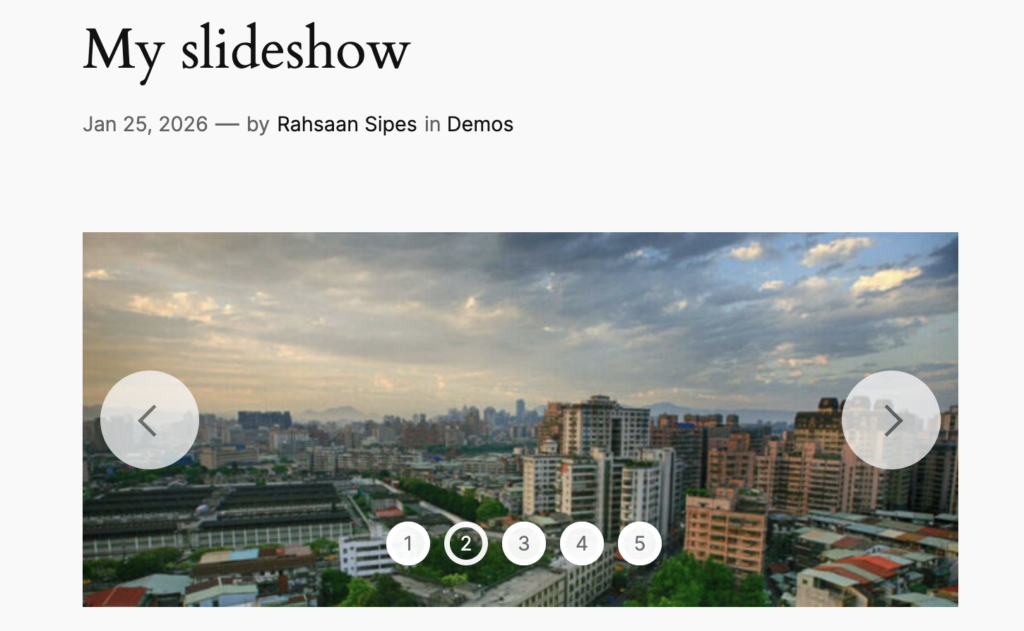
In the next screenshot, we’ve enabled the “Adjust Width to Target Element” setting. Now the slideshow really does take up the full width of the screen. The slideshow takes up the full width of the “body” element, instead of the post.
New Lightbox Features
We’ve been working hard on new features for MetaSlider Lightbox. In the most recent release, you’ll find a ton of improvements. Here are some of the new features in the Pro version:
- Autoplay: Enable automatic slideshow with timing controls and a progress bar.
- Rotate: Allow your viewers to to rotate the images (clockwise/anticlockwise) or flip them (horizontal/vertical).
- Full Screen: Enable a full width mode for immersive viewing.
- Social Sharing: Add social media sharing buttons for Facebook, Twitter (X), and Pinterest.
- Unique URLs: Enable unique URLs for each gallery image with browser back/forward navigation support.
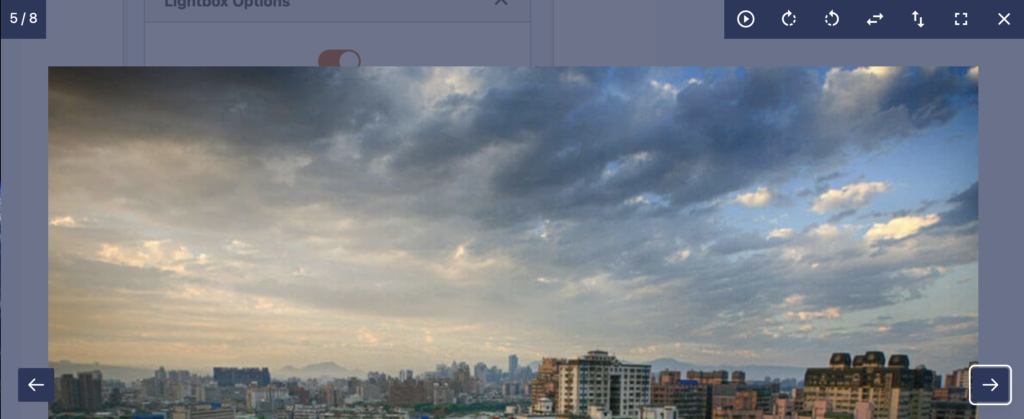
Lightbox Integration for Your Slideshows
All these cool new lightbox feature are now available for your MetaSlider slideshows. You can enable this integration via the “Lightbox Options” setting in your slideshows.
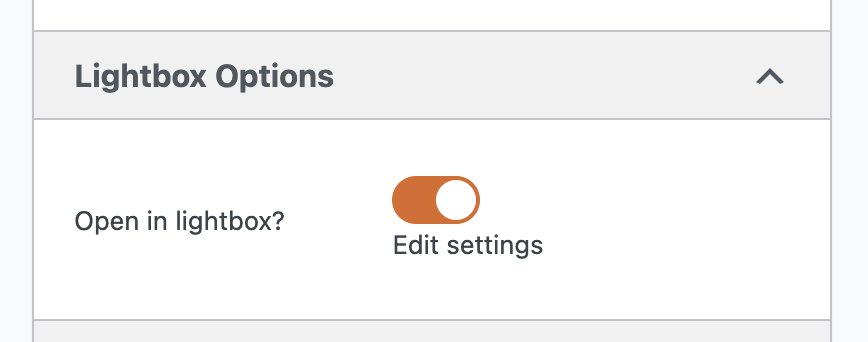
The best way to show this integration is with a demo. So here’s a real slideshow with a MetaSlider Lightbox integration. Click the “Open in lightbox” button to see how it works.








What’s coming next for MetaSlider?
We’re currently working on a new demo site for MetaSlider. We’re building lots of really stylish examples of what MetaSlider can do.
Once that’s done, we’ll make all the demos available as one-click imports for demo users. If you see a demo that you like, you can import it with the click of a button and then customize it to suit your site’s needs.