
MetaSlider Gallery 2.34.0 introduces a new way to make your galleries match your site’s design: Image Styles.
You can now apply a consistent visual treatment to every image in a gallery, including filters, rounded corners, borders, shadows, opacity, and rotate or flip effects, without editing each image individually.
Table of Contents for this post
New Image Styles
The new Image Styles panel is available in the gallery editor sidebar. This provide Instagram-style filters for your photos.
The filters apply to every image in your gallery grid. This is really useful when you want a portfolio, product gallery, event gallery, or photo collection to share the same visual mood.
- Filters: Choose from 14 presets including Noir, Silver, Vintage, Golden Hour, Warm, Cool, Vivid, Dramatic, Negative, and more.
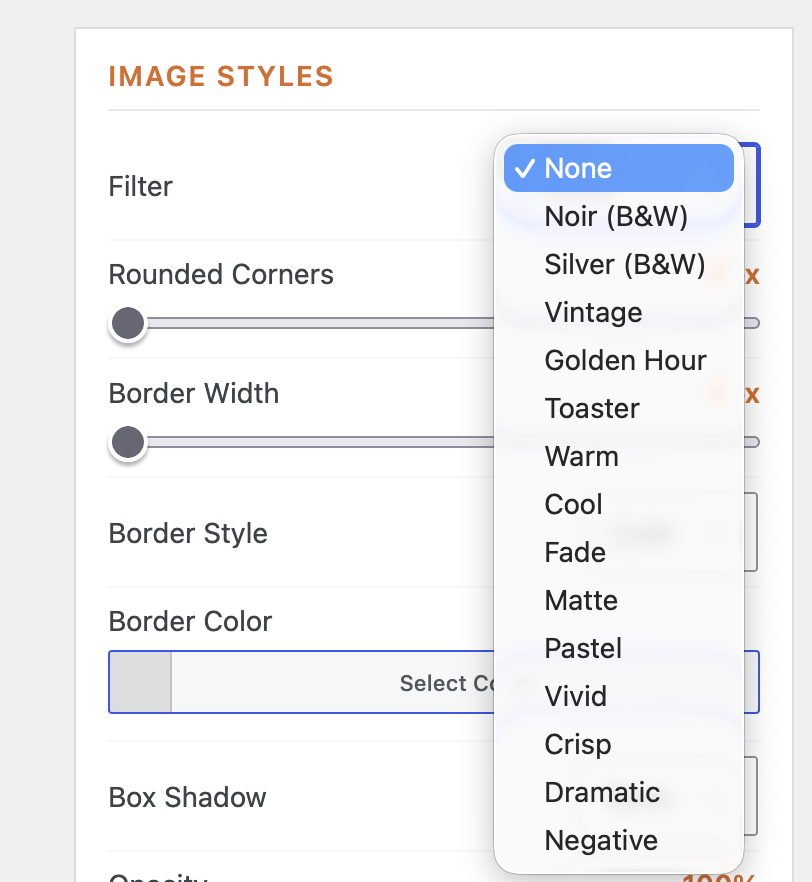
- Shape and framing: Add rounded corners and borders to better match your theme or brand style.
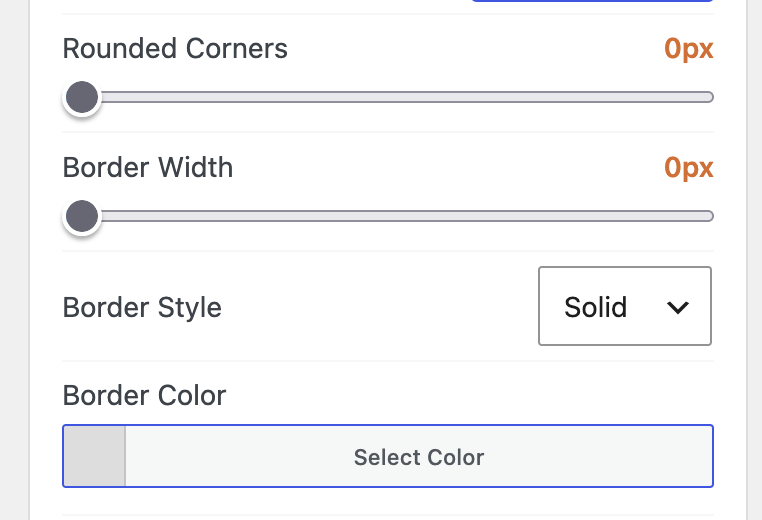
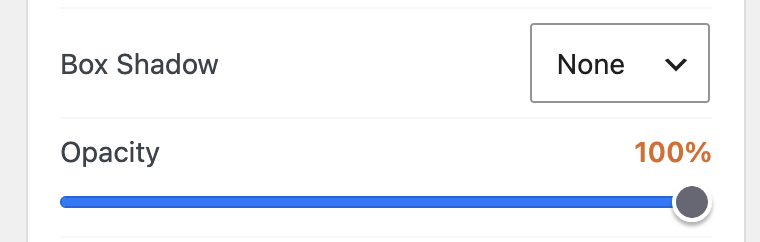
- Depth and emphasis: Use shadows and opacity controls to make gallery images feel more polished.
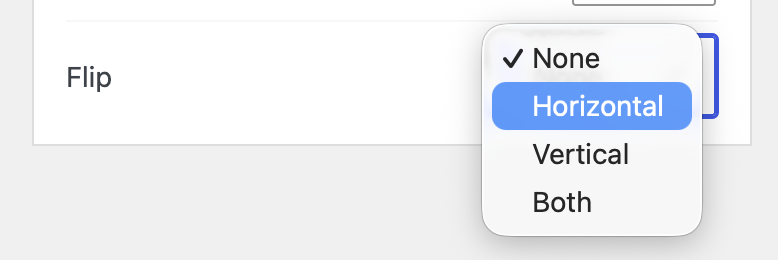
- Transform options: Rotate or flip gallery images for more stylized layouts.
Here’s an example of a regular gallery created with MetaSlider Gallery. We haven’t applied any image styles to this gallery,

Here’s the same gallery but with the “Dramatic” filter enabled and rounded corners:

And here’s the same gallery with the “Vintage” filter and box shadows:
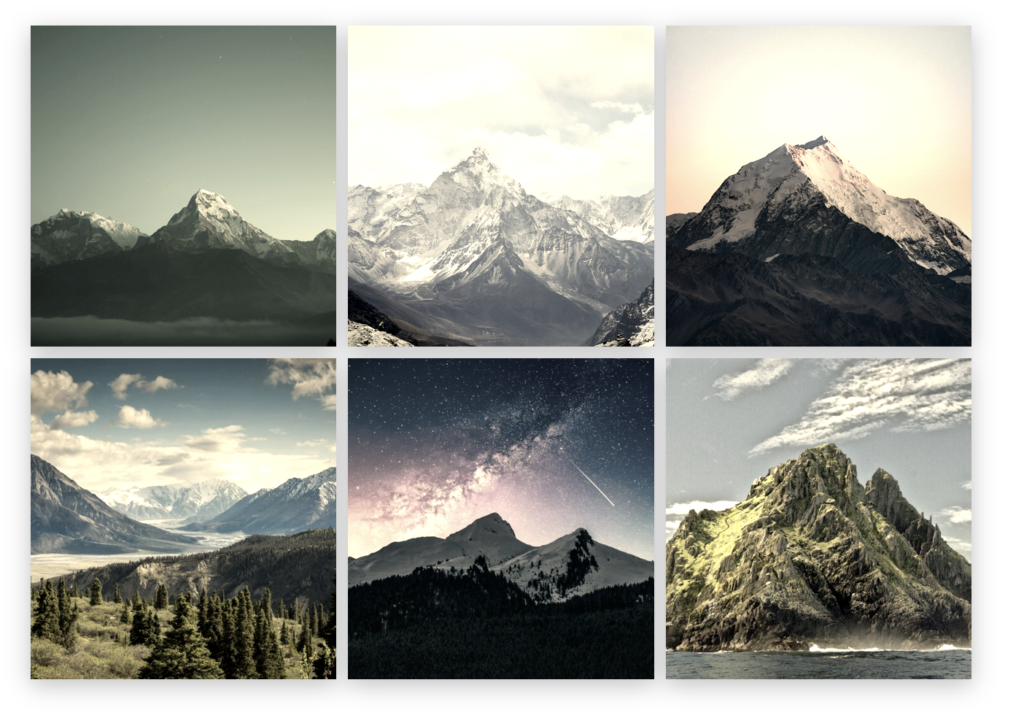
Image filters also work in gallery windows
This release also improves consistency between the gallery grid and the window. Image Style filters apply not only to the images shown in the gallery, but also to the window image and thumbnail strip, so visitors see the same styling when they open an image.
Let’s see an example using the screenshot above. In the screenshot we used the “Vintage” filter for the main gallery layout. If you click on the image to open the full gallery window, you’ll now the “Vintage” filter applied here too.
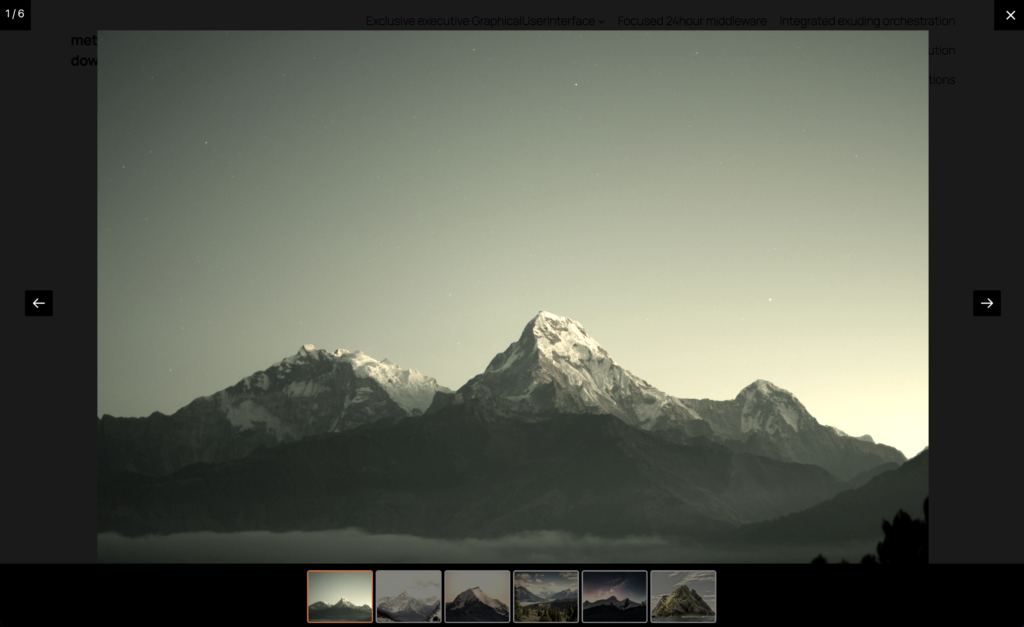
Other improvements and fixes
- Cleaner editing experience: The gallery toolbar has been refreshed with icons that better match MetaSlider, and there is now a New Gallery button for quicker gallery creation from the editing interface.
- Carousel fullscreen: Fullscreen mode now works correctly with carousel gallery layouts.
- Admin menu placement: The Gallery admin menu now stays next to MetaSlider even when other plugins add menu items nearby.
- Justified gallery improvements: Justified galleries now stretch the final row to fill the available width. This helps layouts look more intentional and balanced, especially on pages where a short final row previously left awkward empty space.
- Translation fixes: Several strings, including gallery close and navigation labels, are now translatable and existing translations were refreshed.

Get the best WordPress gallery plugin
MetaSlider Gallery is the best WordPress gallery plugin.
You can show WordPress images, videos, and slideshows in a stylish gallery.