
This post is about a release of the MetaSlider Slideshow plugin. With MetaSlider Slideshow, you can create a stylish, SEO-optimized slider in minutes.
Hey, and thanks for using MetaSlider! Our goal is to build the most user-friendly image plugins for WordPress.
MetaSlider Slideshow 3.112.0 is available now and has tons of new features.
You can now customize your carousel views, use Instagram-style filters on your images, add Pixabay photos directly from the slide editor, and much more.
Here’s a guide to everything that’s new in this MetaSlider Slideshow release.
Table of Contents
Per-device carousel counts
Set how many slides appear on mobile, tablet, and desktop so compact screens can show one slide while wider layouts show more.
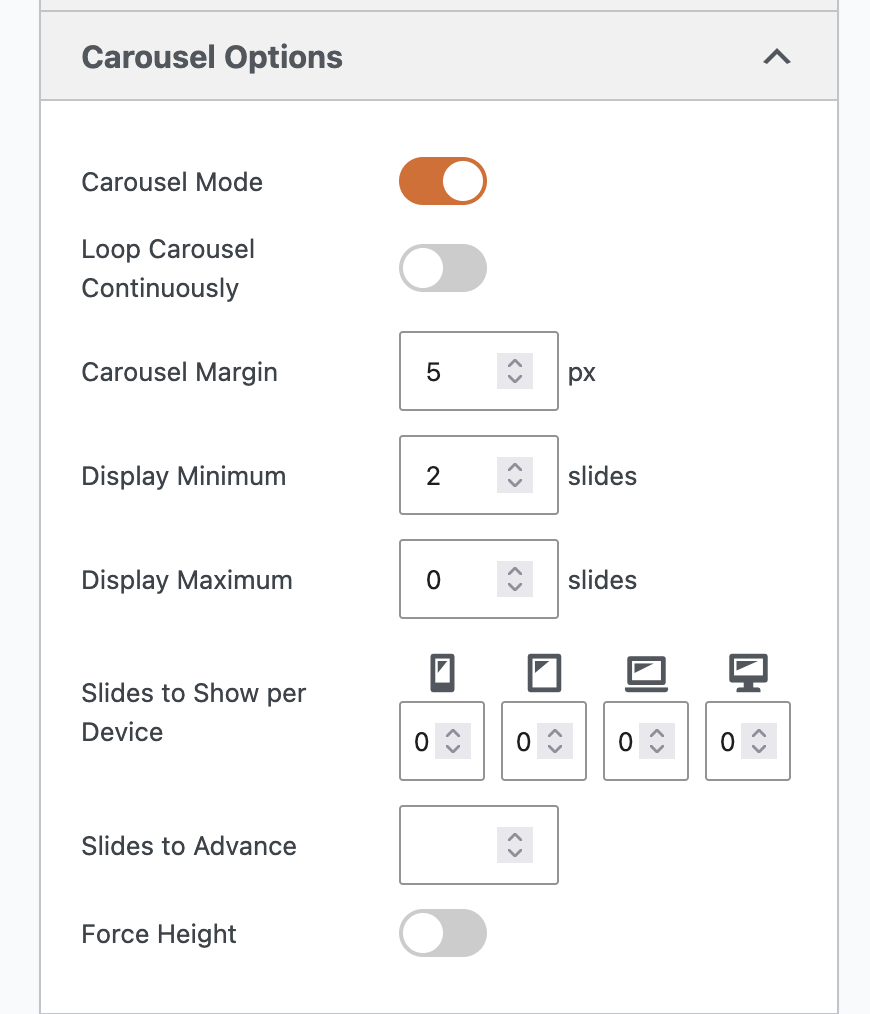
Here’s a video guide to this new feature:
Per-Slide Image Styles
The new “Image Styles” feature gives you Instagram-style filters that can quickly change the appearance of your photos. Choose from 14 presets, including Noir, Silver, Vintage, Golden Hour, Warm, Cool, Vivid, Dramatic, and Negative.
We recently introduced this feature for whole slideshows, and now you can apply it to individual images also. You can use the same Image Styles in MetaSlider Gallery too.
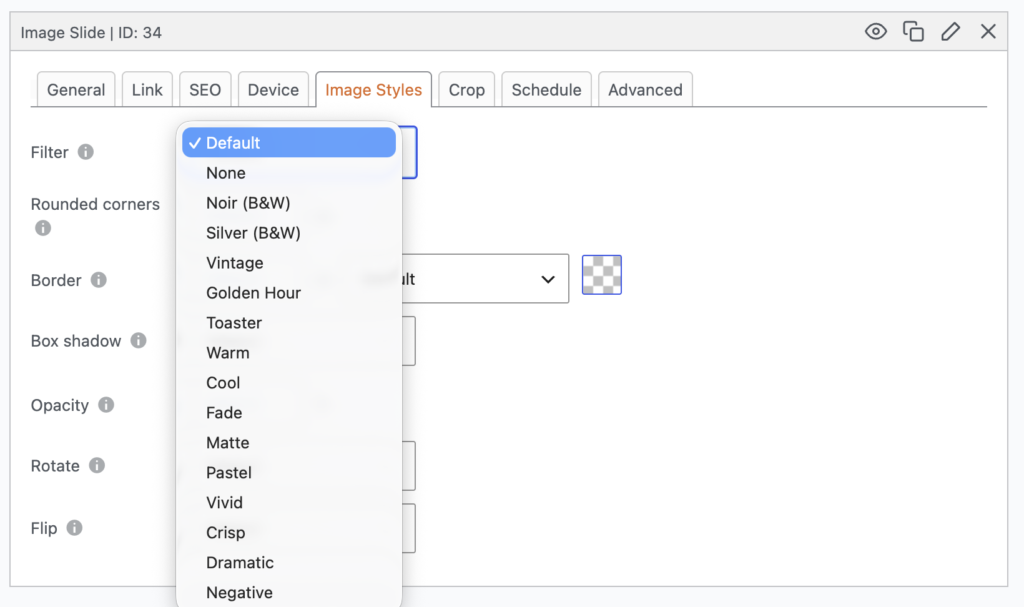
Here’s a video introduction to the Image Styles feature:
Download images from Pixabay
You can now add Pixabay images directly into a slideshow without downloading and uploading them manually. Look for the “Pixabay Library” tab when adding an image slide. MetaSlider Slideshow Pro users can also add videos.
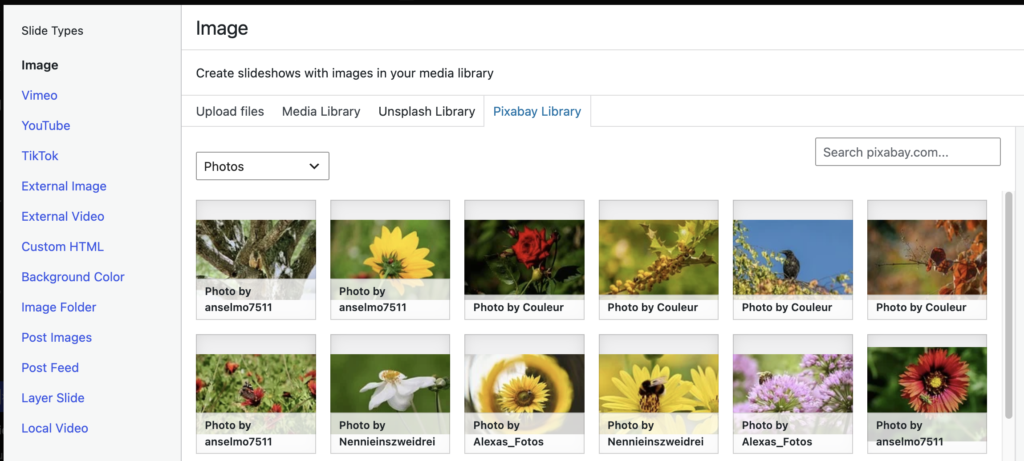
Here’s a video introduction to the Pixabay feature:
Other improvements and fixes
This release also includes a long list of admin polish, translation work, and editing fixes that should make daily slideshow management smoother.
- Clearer editing guidance: More Pro feature tips and tooltips for theme color settings make it easier to understand what each option controls.
- Preview reliability: Slide links in previews now open correctly, Carousel previews work with per-device slide counts, and theme switching is more resilient while settings are saving.
- Theme and layout naming: “Theme” has been corrected to “Theme Options”, “Pro Settings” is now “Advanced Settings”, and “Advanced Options” is now “Layout Features”.
- Simpler settings panels: Slideshow settings now open with only Main Options expanded, reducing clutter when you first enter the editor.
- Cleaner admin screens: The Quickstart background, slideshow list placeholder logo, media library popup spacing, admin menu icon sizing, and plugin logos/icons have all been adjusted.
- Translation coverage: Several admin screens, including Image Styles, now load translations correctly, and the plugin zip no longer includes generated translation PHP files.
- Block editor updates: The plugin icon shown in the block editor has been refreshed, and the block is now named “Slideshows”.
- Pro prompts: Advanced Settings now shows the expected upgrade prompts when MetaSlider Pro is not active, including the “Show only in the first loop” prompt.
This post provides an overview of the new features in this release of the MetaSlider Slideshow plugin. The complete changelogs for both Free and Pro versions are available in our Docs area.

Get the best WordPress slideshow plugin
MetaSlider Slideshow is the best WordPress slider plugin.
You can create stylish sliders using images, videos and much more.