
Hey, and thanks for using MetaSlider!
Our goal has been to build the most user-friendly image plugins for WordPress.
That changed in August and September!
Our new goal is to build the most user-friendly image and video plugins for WordPress!
So we’ve just added video support to MetaSlider Gallery! This post introduces the new video galleries feature, plus all the other key improvements to MetaSlider Gallery in the last two months.
If you use MetaSlider Slideshow, here’s what’s new in that plugin.
Table of Contents
#1. Video galleries are here!
You can now add videos in the same way you build image galleries. In the Free version of MetaSlider Gallery, you can add videos from your Media Library and also from Livid.com. Here’s a video guide to this new feature:
#2. YouTube and Vimeo video galleries
In the Pro version of MetaSlider Gallery, you can also add videos from YouTube and Vimeo. Here’s a live example of a MetaSlider video gallery:



#3. Load More button for large galleries
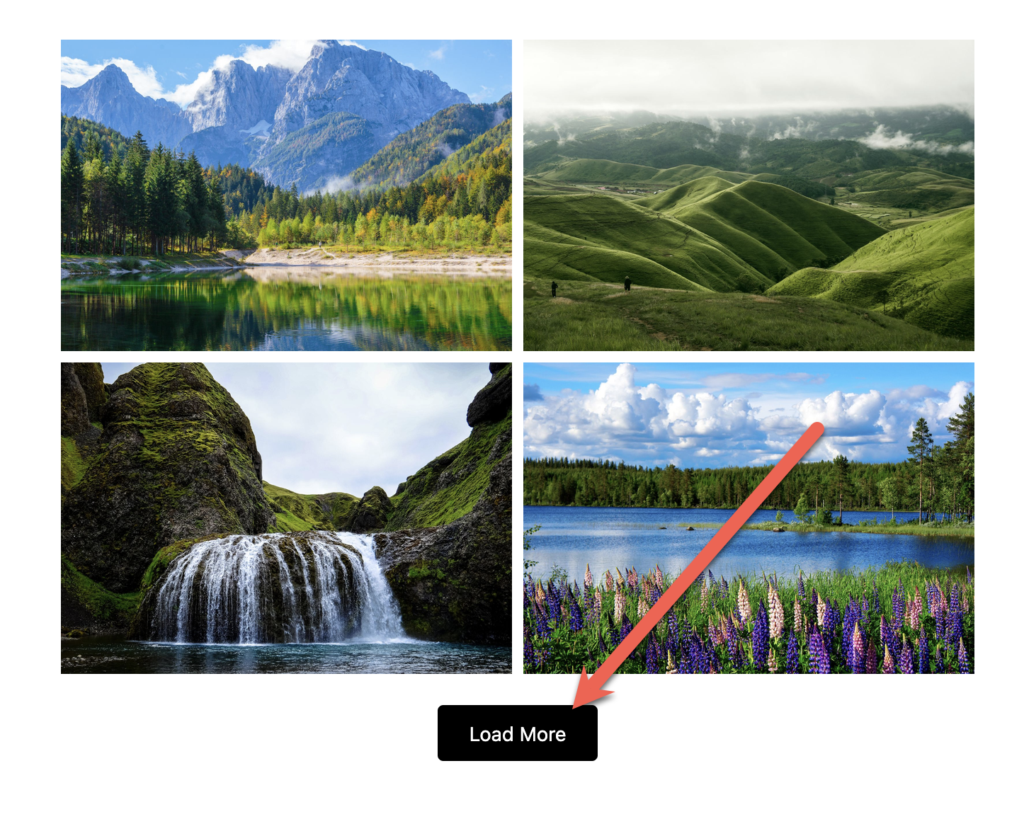
Galleries using Grid, Masonry, and Justified layouts can now reveal images in configurable batches. In the example below, the setting is 4 images, so each click of the “Load More” button reveals 4 more.
Here’s a video guide to this new “Load More” feature:
#4. Automatic image ordering
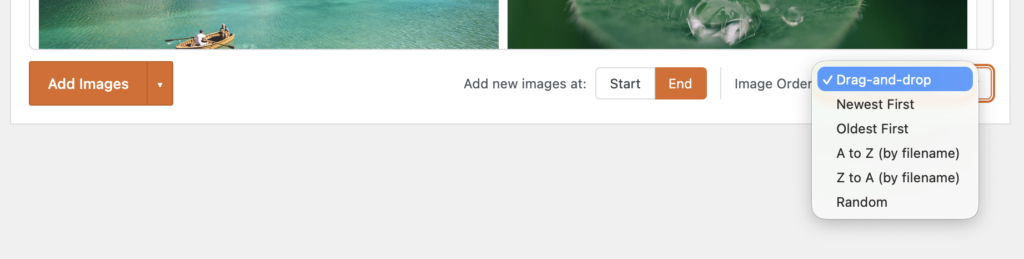
You can sort images by newest, oldest, filename A to Z, filename Z to A, or random order instead of relying only on drag-and-drop.
This video explains how the ordering feature works:
#5. Responsive column controls
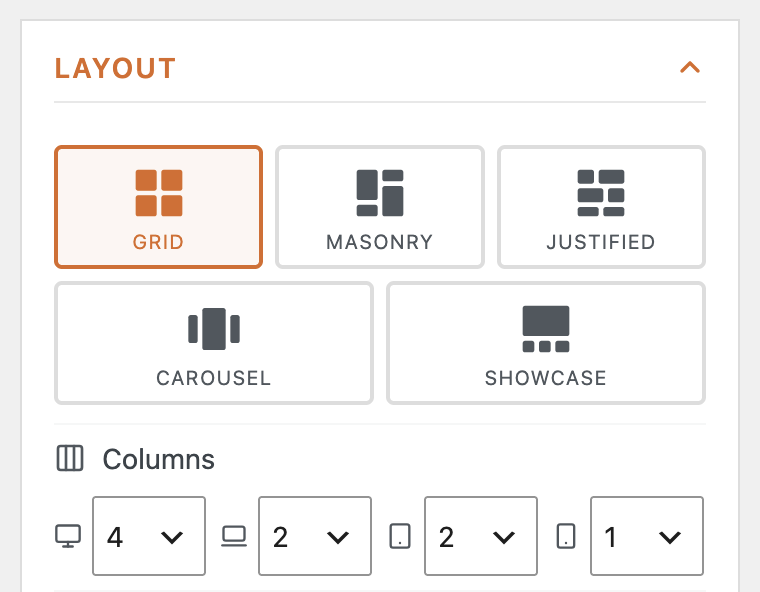
Your gallery layouts can now be customized for mobile, tablet, laptop, and desktop views. In the screenshot below, we’re using 4 columns for desktop displays, 2 columns for laptop and tablet displays, plus 1 column for mobile.
This video explains how to use those different layouts on different device sizes:
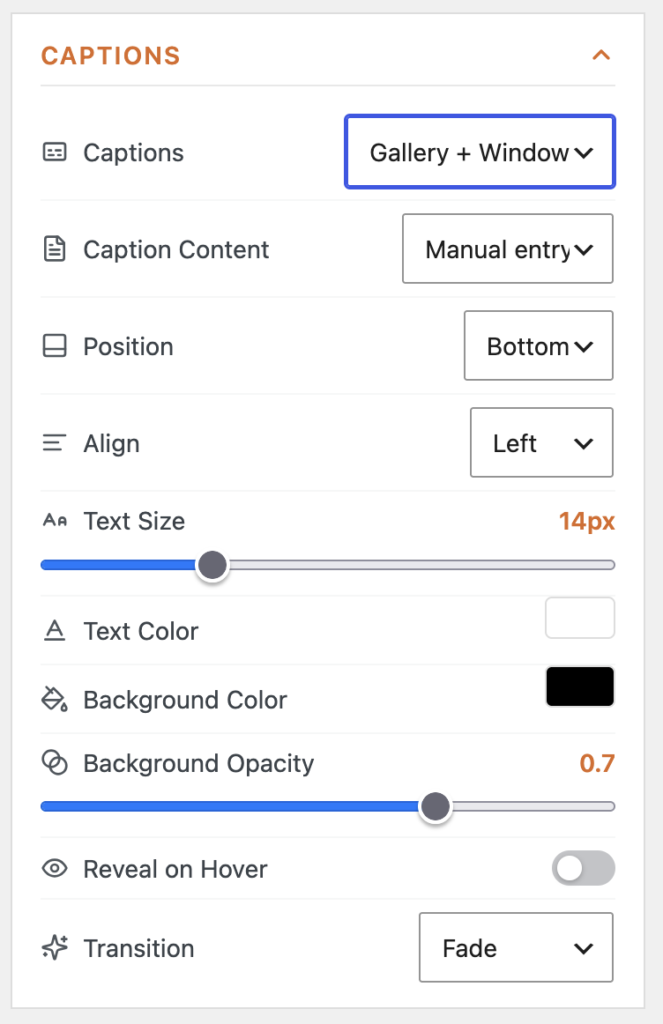
#6. Design options for captions
MetaSlider Gallery now gives you more control over captions on your gallery images and videos. There are lots of new design features, including position, alignment, background opacity, and more.
#7. Separate gallery and window image sizes
You can now have different size options for your images when they are in posts and when they’re in the main gallery window. You can control this using the new “Gallery Image Size” and “Window Image Size” settings. Here’s a video guide to using the gallery window:
#8. Watermarks for images
In MetaSlider Gallery Pro, you can now add a logo watermark to lightbox images, with controls for placement, size, margin, and opacity. Here’s an example of a gallery with watermarks on the images. We’ve added the MetaSlider logo in the bottom-right corner.




#9. Photo EXIF data
In MetaSlider Gallery Pro, you can now show EXIF details such as camera, lens, aperture, date, and GPS information. You’ll find these settings under the “Captions” option.
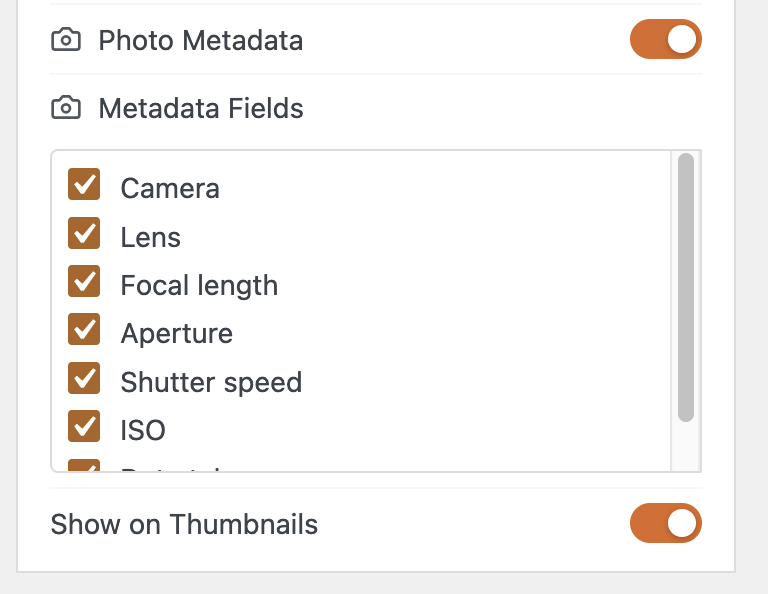
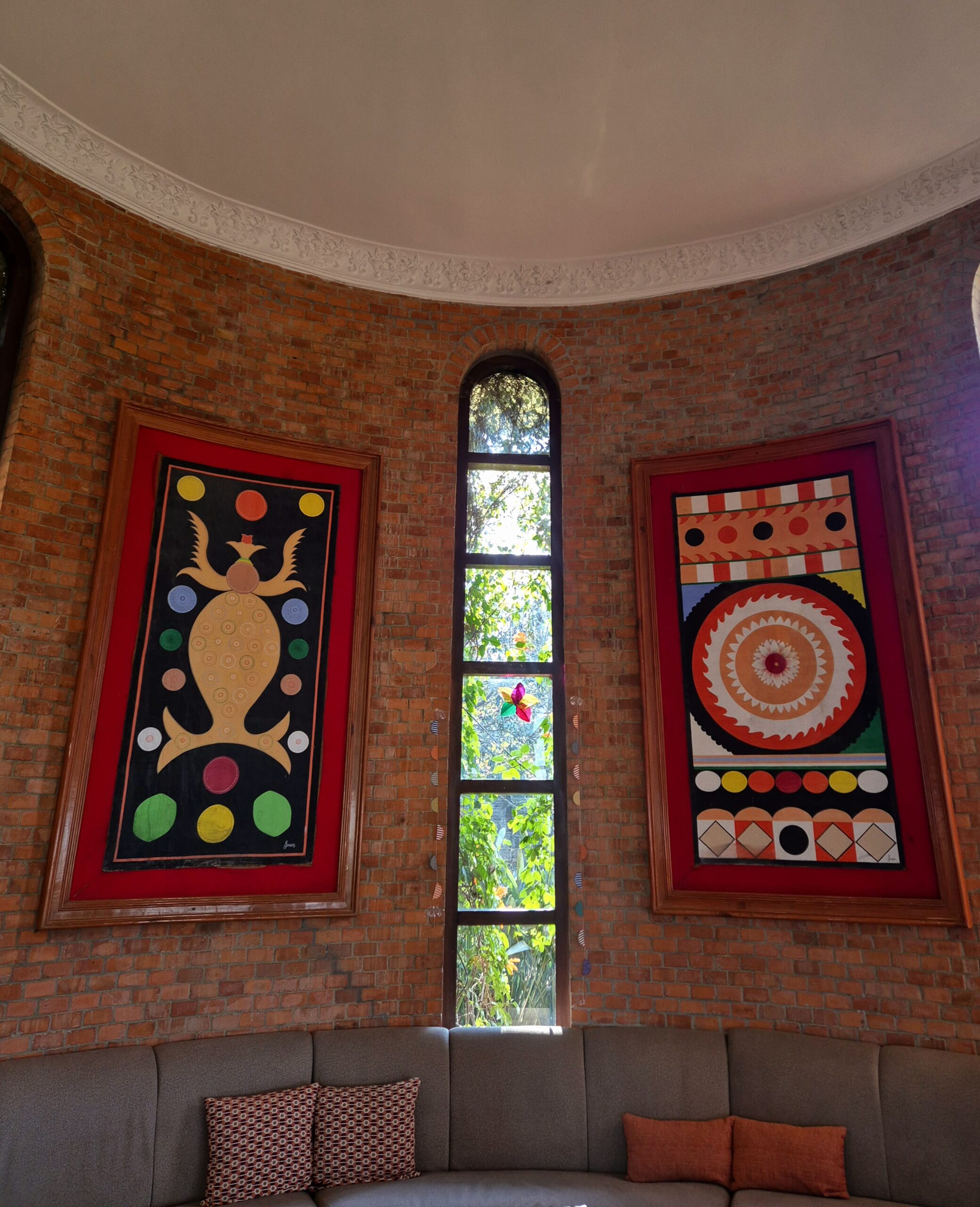
Here’s an example of a gallery that shows photo metadata. Thanks to the WordPress.org Photos team and contributors for these images.



#10. Before and After layouts
In MetaSlider Gallery Pro, you can now compare two images with a draggable divider. Just add two images, choose the layout settings, and visitors can drag the divider to compare them interactively.

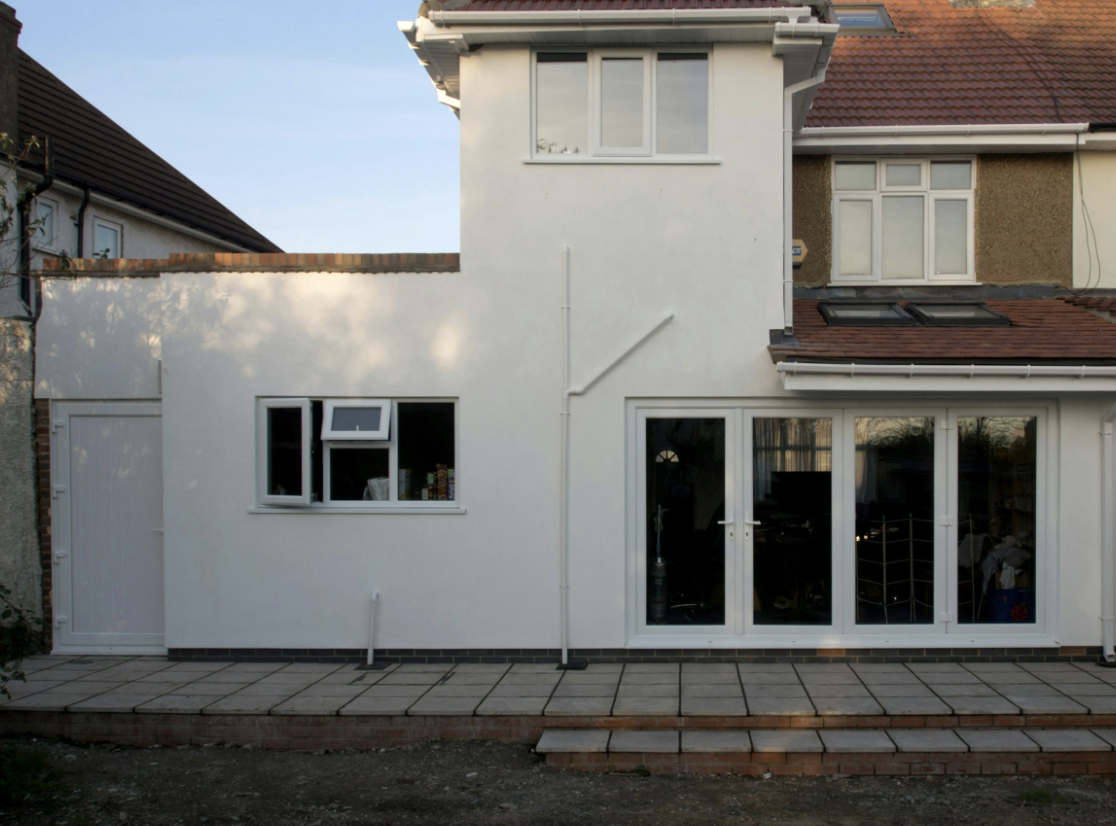
Here’s a video guide to using the Before & After galleries:

Get the best WordPress gallery plugin
MetaSlider Gallery is the best WordPress gallery plugin.
You can show WordPress images, videos, and slideshows in a stylish gallery.