
Hey, and thanks for using MetaSlider!
Our goal has been to build the most user-friendly image plugins for WordPress.
That changed in August and September!
Our new goal is to build the most user-friendly image and video plugins for WordPress!
So we’ve just improved video support in MetaSlider Slideshow! This post introduces the new video galleries feature, plus all the other key improvements to MetaSlider Slideshow in the last two months.
If you use the MetaSlider Gallery plugin, here’s what’s new.
Table of Contents
#1 Video slides in the free plugin!
The biggest user-facing change is that Local Video slides have moved from MetaSlider Pro into the free plugin. If you host videos in your WordPress media library, you can now add them directly to a slideshow without needing the Pro version.
- Local video slides: Upload or choose a video from your media library and use it as a slide in the free plugin.
- Livid video slides: You can paste a Livid.com video URL when adding a slide, and MetaSlider will create the embed for you.
Here’s an example of a video slider with local videos:
Here’s an example of a video slider with Livid.com videos:
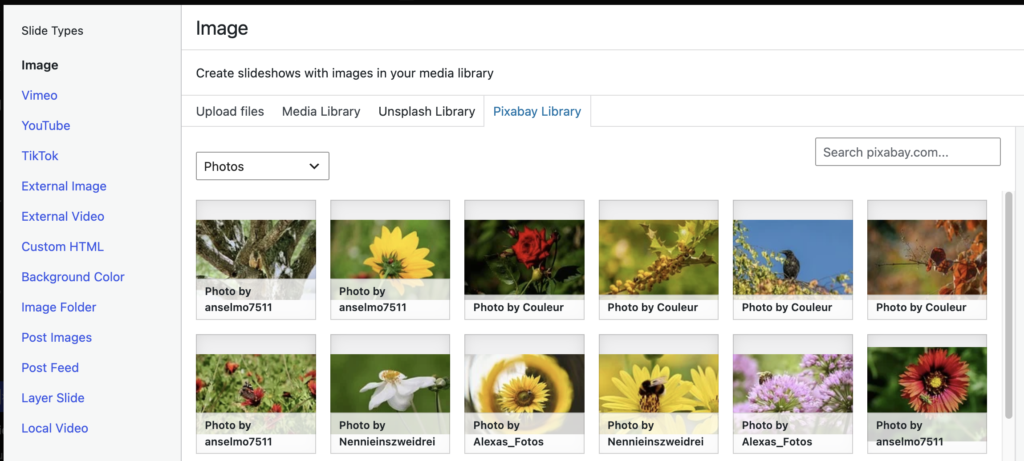
#2. Download images and videos from Pixabay
You can now add Pixabay images and videos directly into a slideshow without downloading and uploading them manually. Look for the “Pixabay Library” tab when adding a slide.
#3. Watermark overlays
In MetaSlider Slideshow Pro, you can now add a watermark image over slideshow images to protect visual content or reinforce your brand.
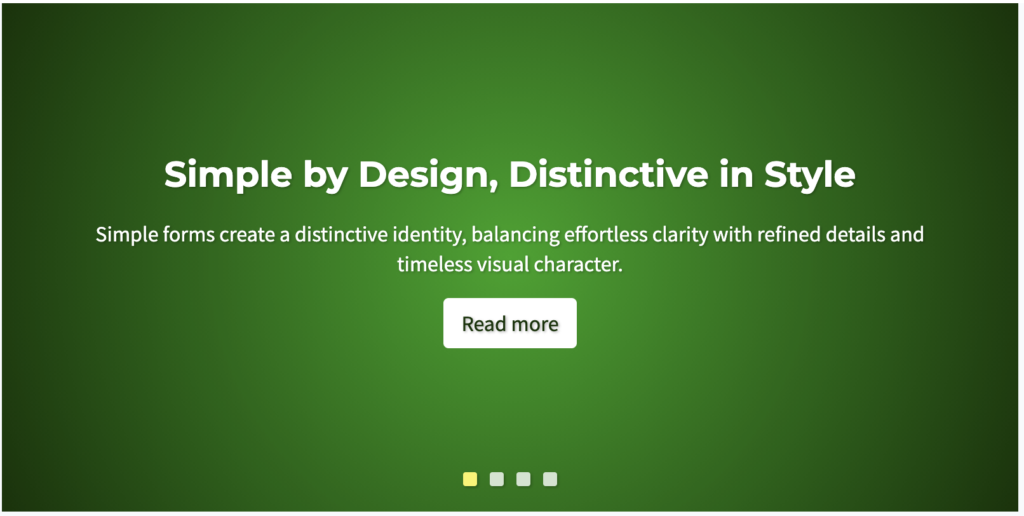
#4. Quickstart Background Color demo
In MetaSlider Slideshow Pro, you can use a ready-made Background Color example as a faster starting point for new slideshows. Here’s a live view of that demo.
#5. Per-device carousel counts
Set how many slides appear on mobile, tablet, and desktop so compact screens can show one slide while wider layouts show more. Here’s a video guide to this new feature:
#6. Per-Slide Image Styles
The new “Image Styles” feature gives you Instagram-style filters that can quickly change the appearance of your photos. Choose from 14 presets, including Noir, Silver, Vintage, Golden Hour, Warm, Cool, Vivid, Dramatic, and Negative. We recently introduced this feature for whole slideshows, and now you can apply it to individual images also. You can use the same Image Styles in MetaSlider Gallery too.
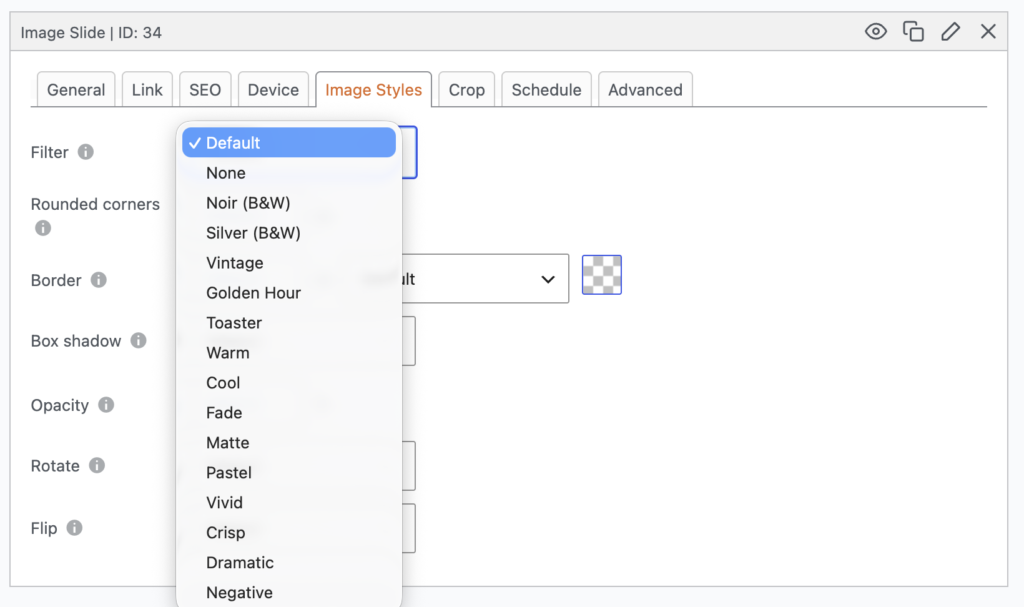
Here’s a video introduction to the Image Styles feature:

Get the best WordPress slideshow plugin
MetaSlider Slideshow is the best WordPress slider plugin.
You can create stylish sliders using images, videos and much more.