
Hey, and thanks for using the MetaSlider plugin.
Our goal here at MetaSlider has always been to build the most user-friendly slideshow plugin in WordPress. This month’s releases of MetaSlider is a huge step towards that goal.
In these updates you’ll find more demo slideshows to import with just one click. You’ll also see improvements to image cropping and the WooCommerce integration.
Table of Contents
More demos for you to import
In February, we released a new demo site full of slideshows, and allowed you to import any of them with just one click! You’ll find examples of every theme, slide type (images, videos, posts etc), and integration (WooCommerce, The Events Calendar etc).
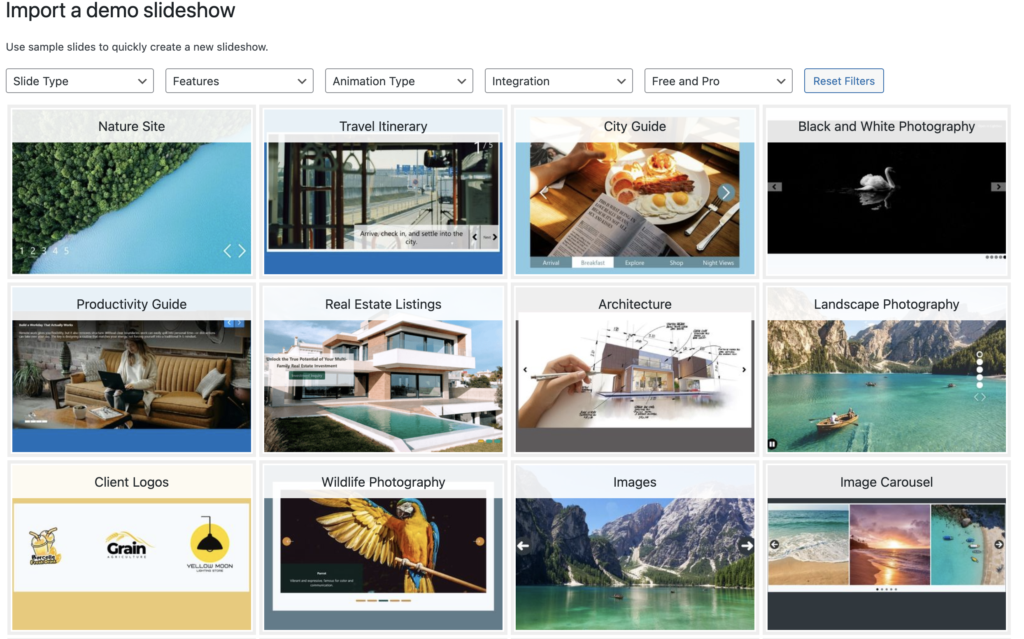
In this month’s release, we’ve added more demos. You’ll find more examples of vertical slideshows, such as this one called “Creative Process“.

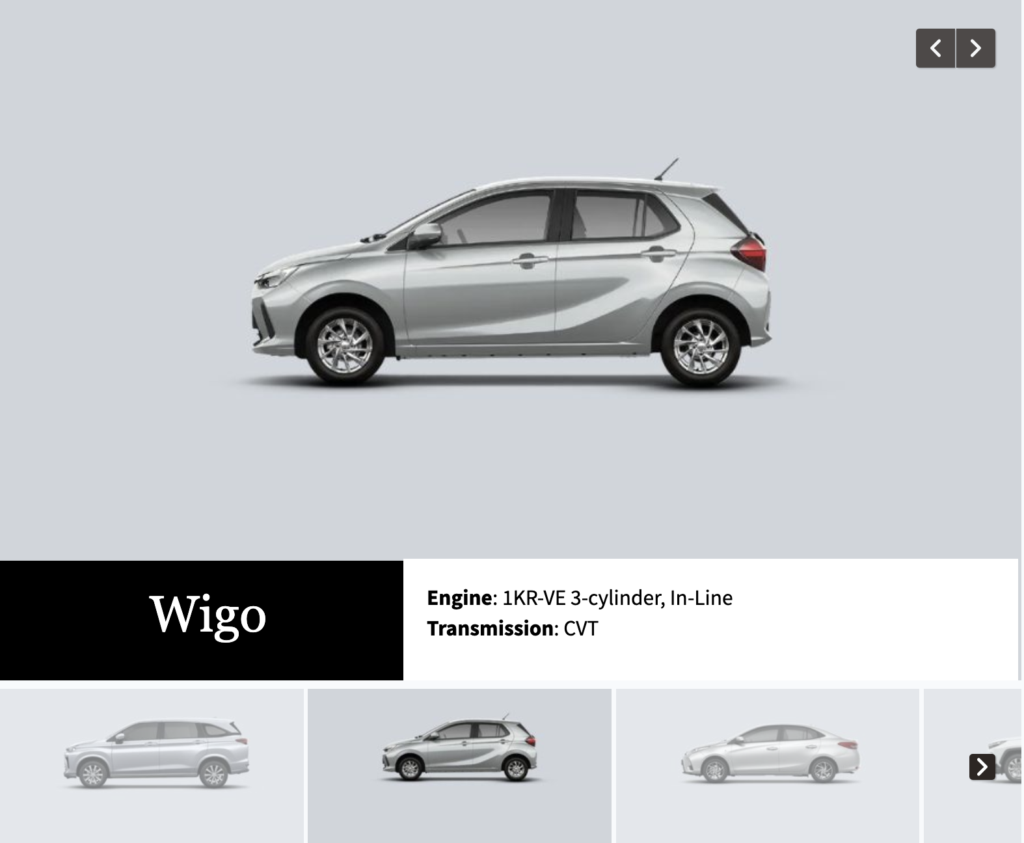
In MetaSlider Pro, you’ll find more demos of Layer Slides. One example is the “Cars Display” demo that uses several layers and also a filmstrip navigation.
In MetaSlider Pro, you’ll also find some more advanced video slides. The “Marathon Journey” demo uses the captions feature so viewers can see text as they watch.

Improved image settings
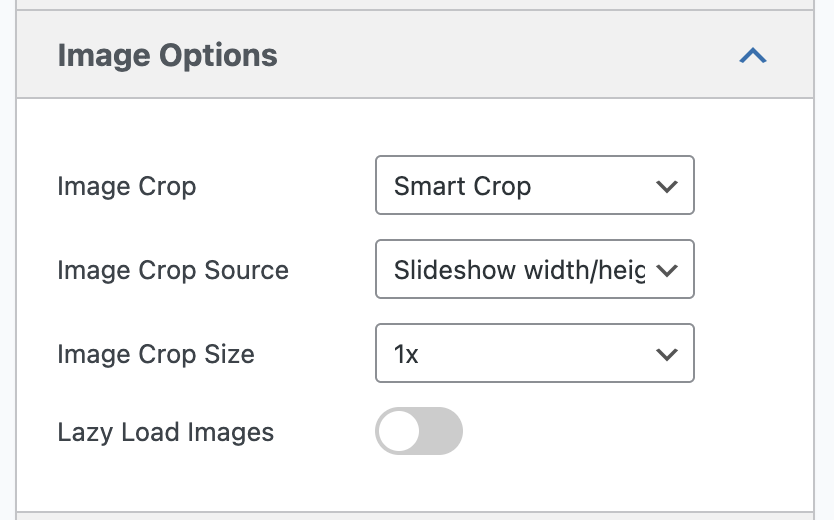
Inside your MetaSlider admin area, all the key image options are now together in one tab. You’ll see the Image Crop area alongside the new Lazy Load Images option.
Improved WooCommerce integration
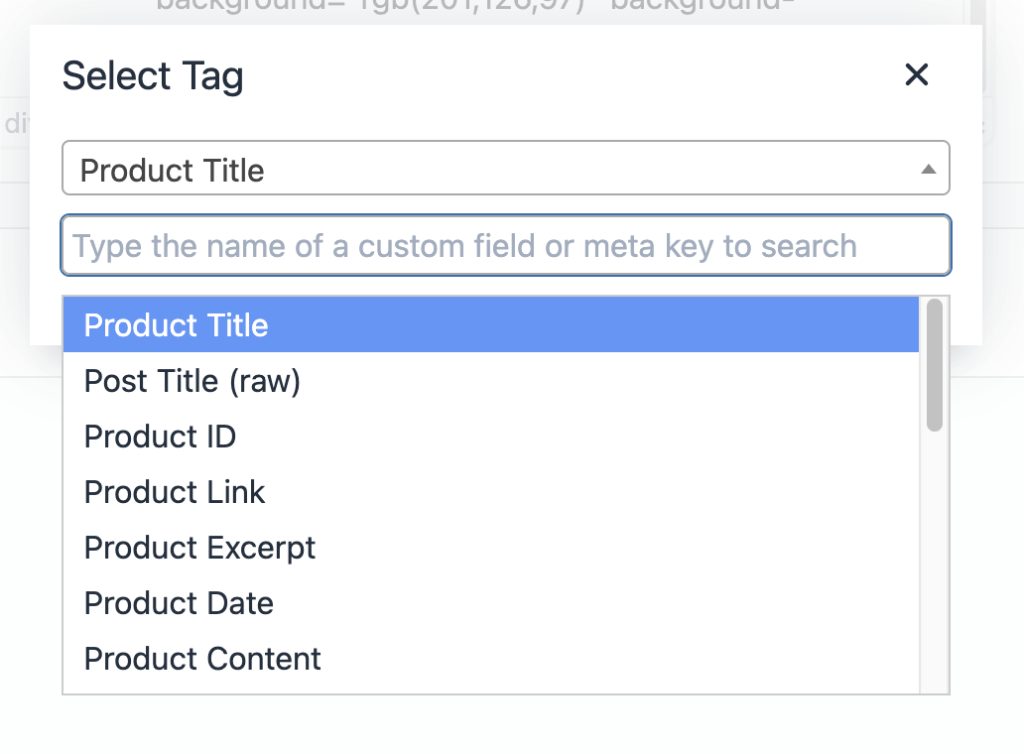
In this release of MetaSlider Pro, you’ll also find improvements to the WooCommerce Slides. To see what this looks like, check out these two demos. You’ll now find an “Insert Product Details” link with lots of WooCommerce data to add to your slideshows.
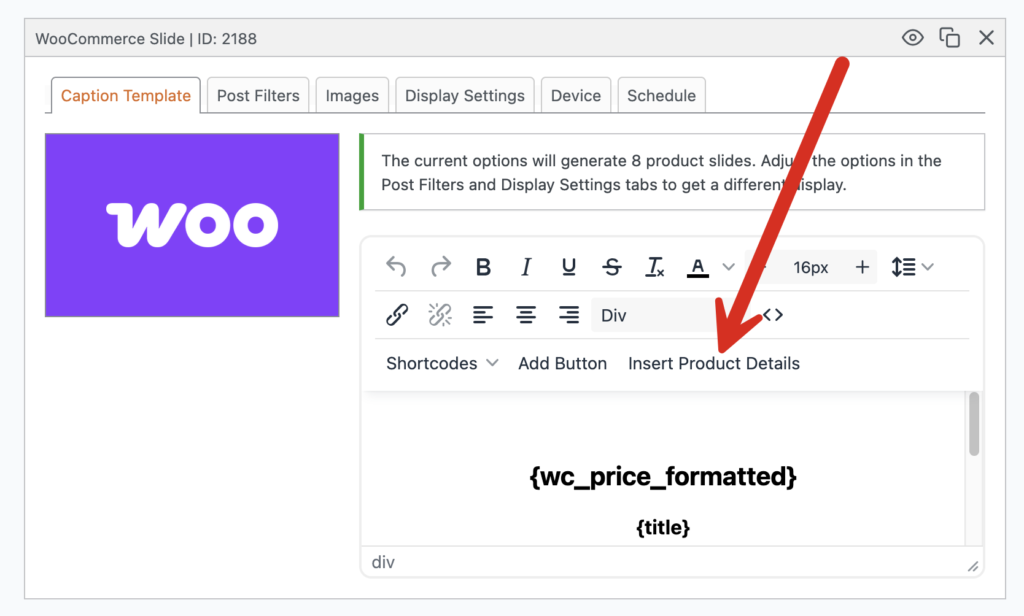
Clicking this link will allow you to add almost any data about your WooCommerce products from the Title to the Sale Price to Product Attributes.
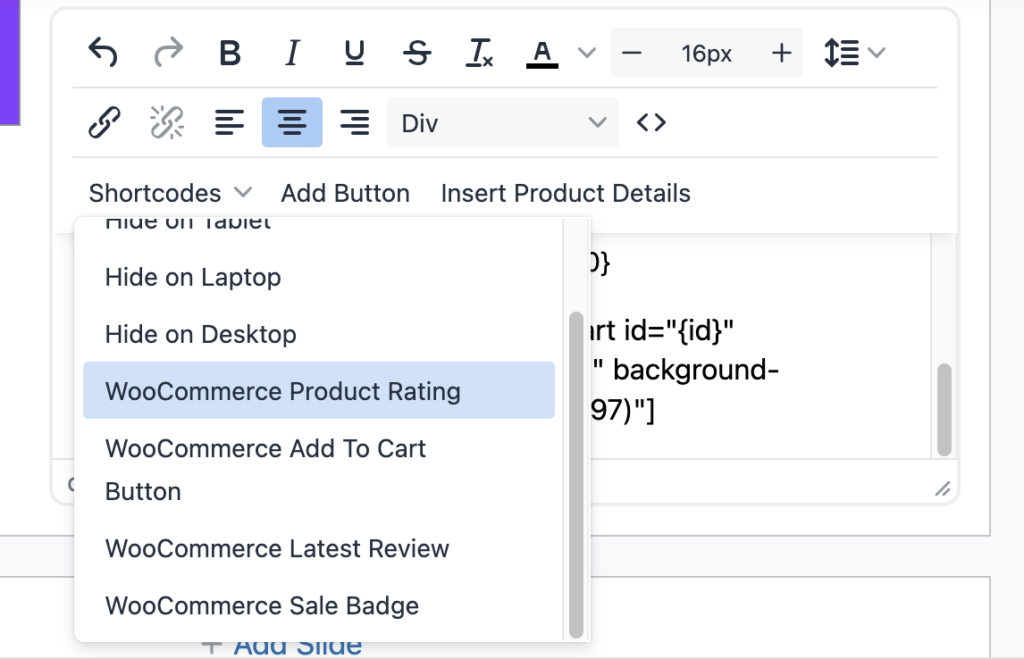
Under the “Shortcodes” button, you’ll also find other WooCommerce features, such as the ability to show the product rating in a 5-star format.
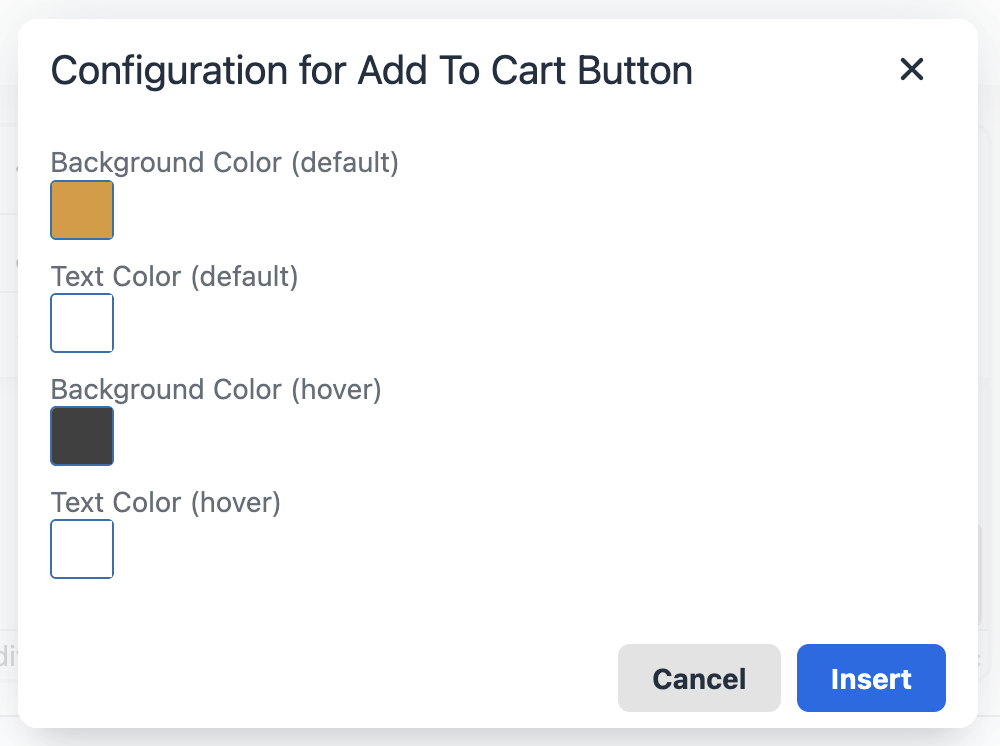
You can customize the colors for some of these shortcode options. For example, here are the settings for the “WooCommerce Add to Cart Button”.
What’s next for MetaSlider?
The simple answer is “more demos”. Let us know what you’d like us to build. We’re happy to add more examples to the demo site and provide them to you as one-click imports.
We’re also planning to add more translations to the plugin to make it easier for you international users.
And we’re also back to work on the MetaSlider Lightbox plugin. This is going to have photo gallery features to go alongside the main MetaSlider slideshow plugin. We released tons of new features for that plugin in January, including a new MetaSlider Lightbox Pro that’s available now.

Get the best WordPress slideshow plugin
MetaSlider Slideshow is the best WordPress slider plugin.
You can create stylish sliders using images, videos and much more.