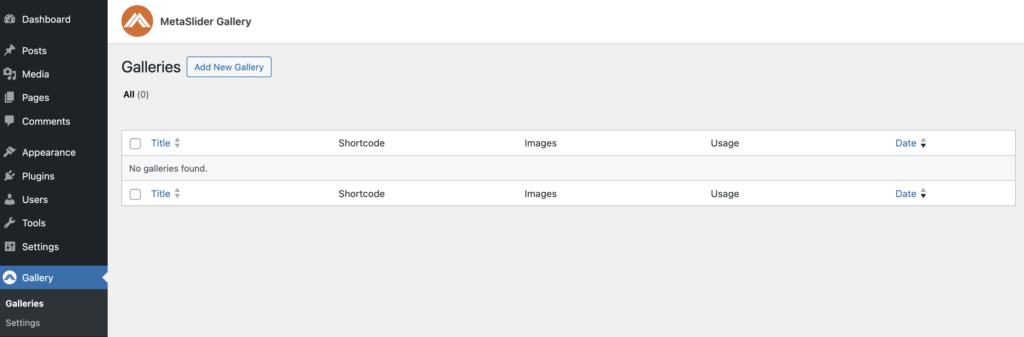
The MetaSlider Gallery plugin allows you to create image galleries that can be placed anywhere on your WordPress site. To create a new gallery, find the “Galleries” screen as shown in the screenshot below:
There are five layouts available for your image gallery: Grid, Masonry, Justified, Carousel, and Showcase. You can select a layout from the right sidebar.
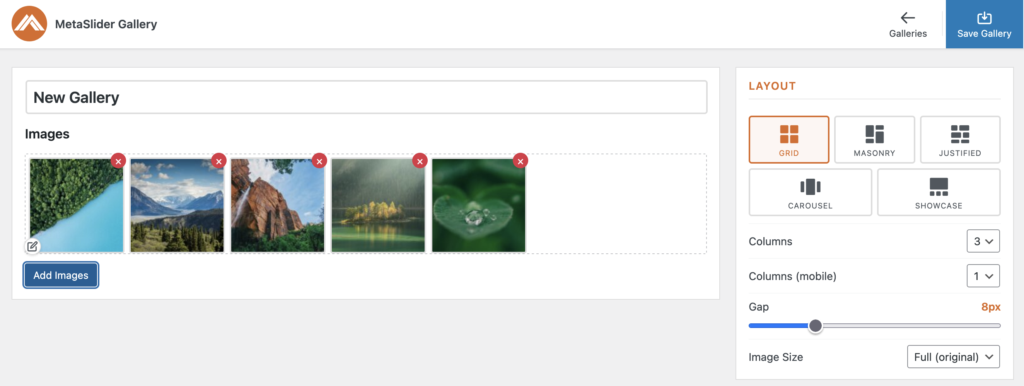
The “Grid” layout option will show your images in rows and columns. Each row and column will be the same size.

The “Masonry” layout option will also show the images in a grid-like layout, but this approach has a flexible placement that fills gaps left by shorter items.

The “Justified” layout option arranges images in rows. This layout allows each image to keep its original aspect ratio, so it won’t always be possible to fill each row edge-to-edge.

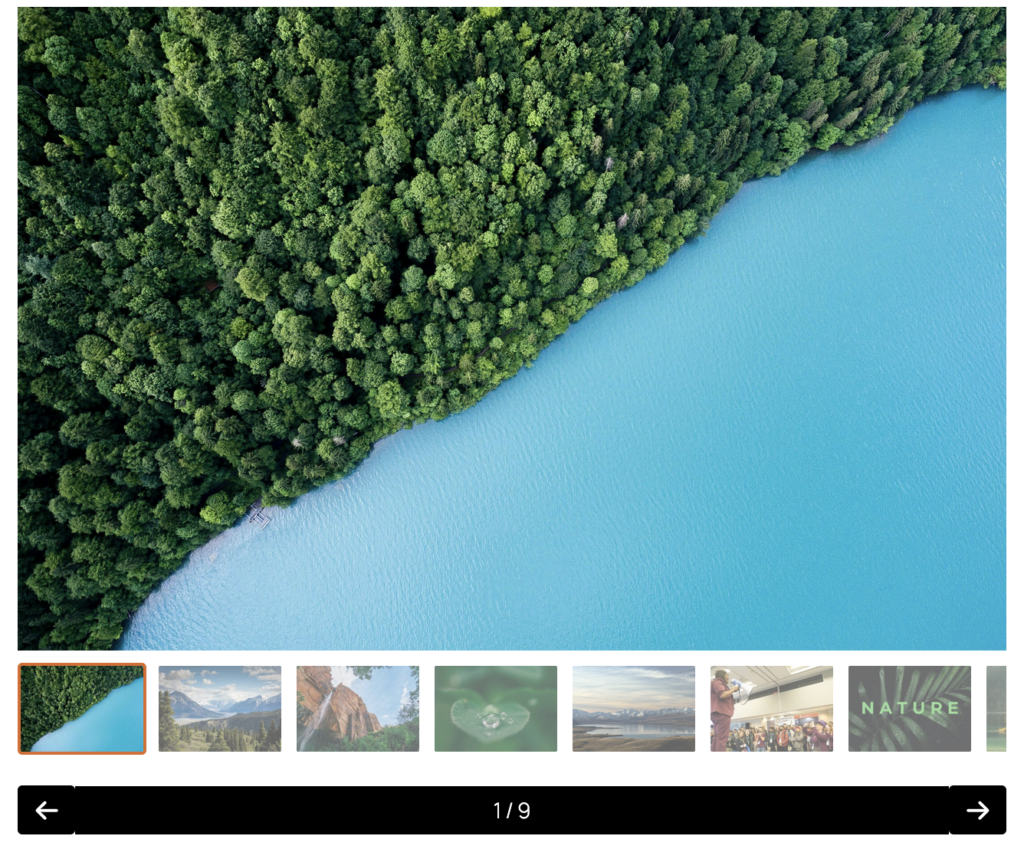
The “Carousel” shows one main image at the time. The visitor can use arrows or the thumbnail navigation to browse to the next image.
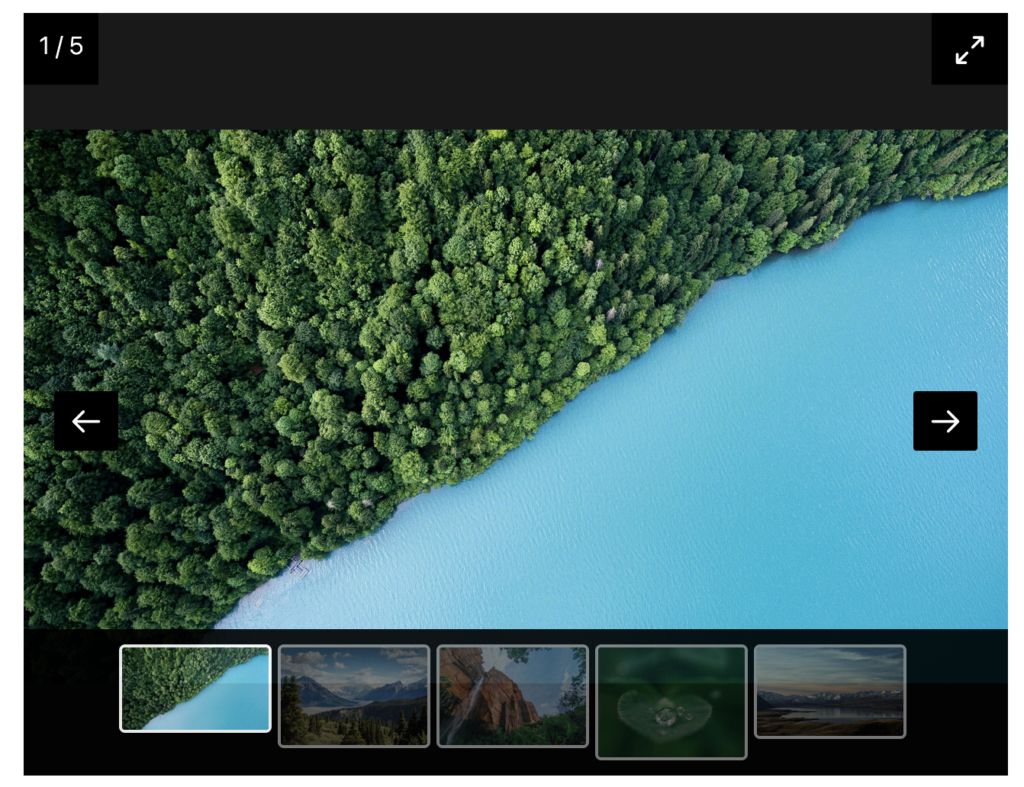
The “Showcase” layout also shows one image at a time. In this layout, the arrows and the thumbnail navigation are both underneath the image.