
The carousel layout In MetaSlider Gallery shows your gallery one image at a time. Then with the fullscreen turned on your visitors can expand it to fill their entire screen. Fullscreen is a MetaSlider Gallery Pro feature, and it works right from the carousel toolbar.. There’s no need to maximize the gallery first.
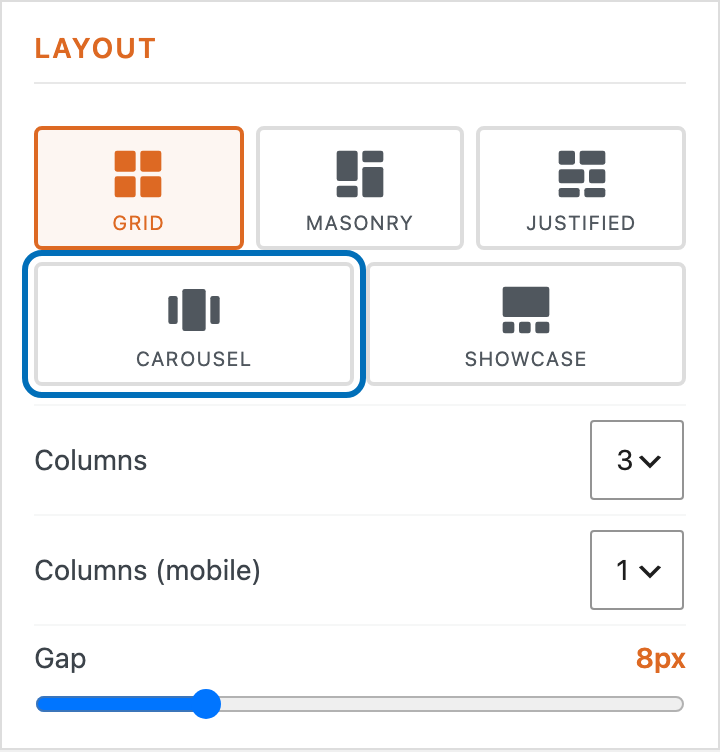
Open your gallery in the editor and choose the ‘Carousel’ layout under Layout.
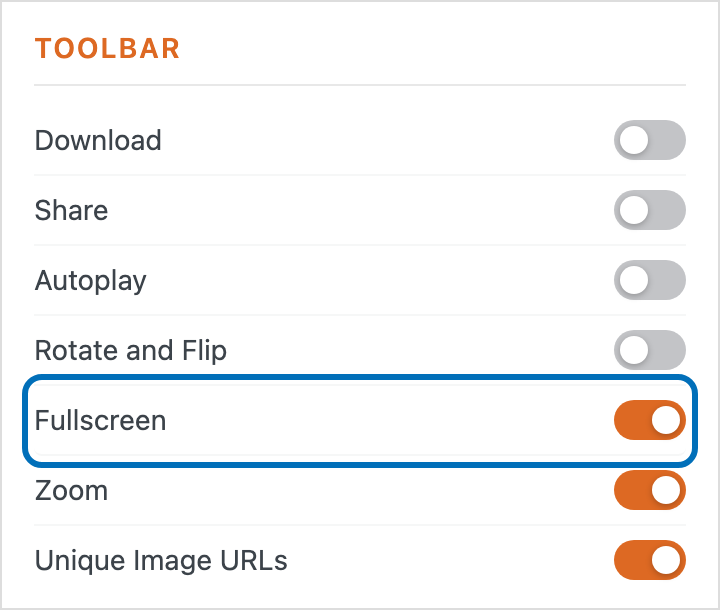
Scroll down to the ‘Toolbar’ section and turn on ‘Fullscreen’.
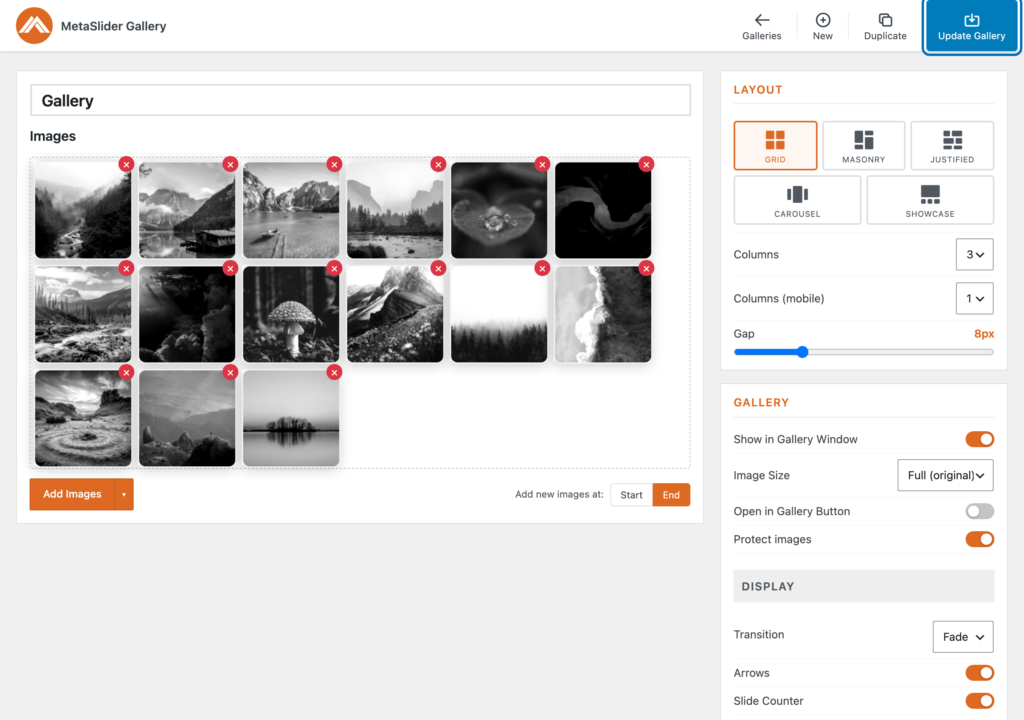
Save the gallery so your change takes effect.
Visit the page with your gallery and click the fullscreen icon in the top corner of the carousel to expand the image to fill the screen.
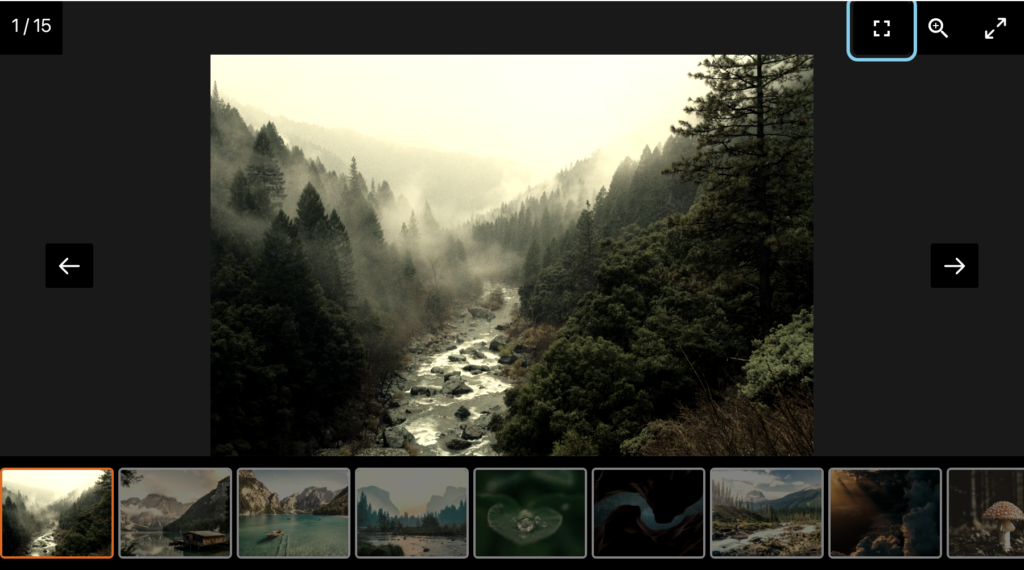
Your carousel now opens in true fullscreen, with the image filling the whole screen instead of the page around it. Press the fullscreen icon again or the Escape key to return to the normal view.