This feature requires the MetaSlider Gallery Pro plugin.
MetaSlider Gallery Pro can add a heart button to the gallery window so visitors can like the images they enjoy, and show you the running totals back in the gallery editor. Likes are counted per image rather than per gallery, so the same photo shown in two galleries carries one shared total. Nobody has to sign in or leave a comment, which makes it a light way to find out which images people respond to.
How to Enable Likes for a Gallery #
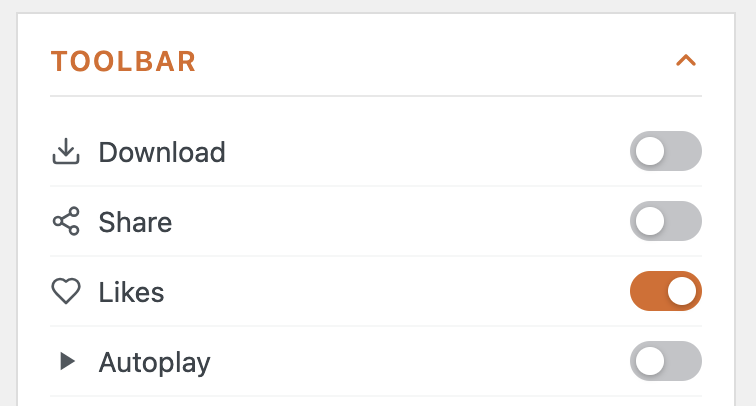
Likes are set per gallery, in the ‘Toolbar’ section of the gallery settings. That section only appears while the gallery opens in a lightbox, because the heart button lives in the lightbox toolbar alongside the other toolbar controls.
What Your Visitors See #
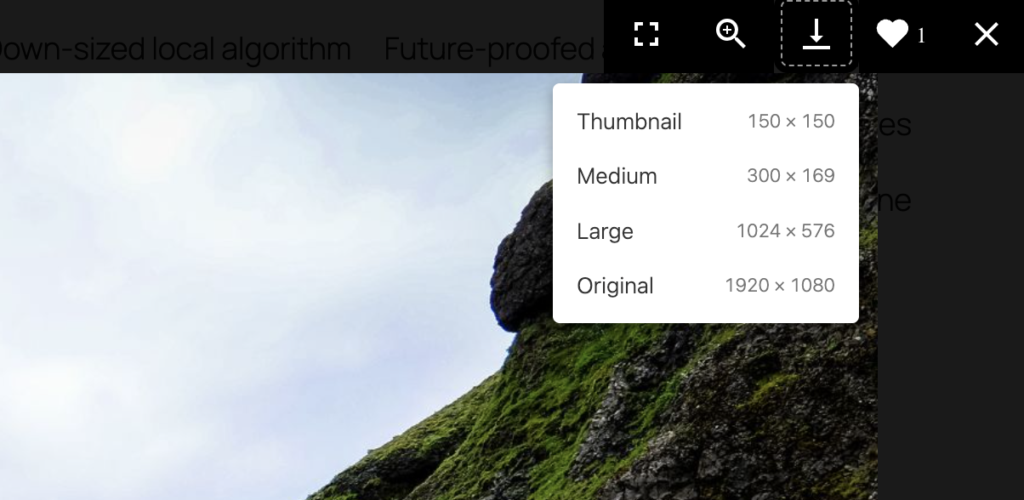
A heart sits in the gallery window toolbar, just to the left of the close button, with the number of likes beside it. Clicking it fills the heart in and adds one to the count; clicking again takes the like back. The count updates straight away and the heart follows visitors from image to image, so they can like as many pictures as they want without leaving the gallery window.
Because there is no sign-in step, each browser remembers the likes it has given. Somebody who opens your gallery on a phone as well as a laptop, or who clears their browsing data, can like the same image again from the fresh browser.
How to See the Counts in the Editor #
Open the gallery again and switch the preview to ‘Arrange’. Each thumbnail carries a small heart badge in its corner with that image’s total, and hovering over a badge spells out that the number covers every gallery the image appears in. Images that have not been liked yet show a zero.