
Hey, and thanks for using the MetaSlider plugin.
Our goal here at MetaSlider has always been to build the most user-friendly slideshow plugin in WordPress. This month’s release of MetaSlider is a huge step towards that goal.
In these updates, you’ll find better support for vertical slideshows. You’ll also see improvements to slideshow previews, carousel slideshows, and Layer Slides.
Table of Contents
Better vertical slideshows
We’ve been working on improved options for vertical slideshows.
People really like vertical for mobile displays. It feels natural to flick through slides with your thumb. You can make your WordPress site feel like Instagram or TikTok.
In this release, you’ll find a new theme called “Cascade”. Here’s the Cascade demo with short vertical videos.
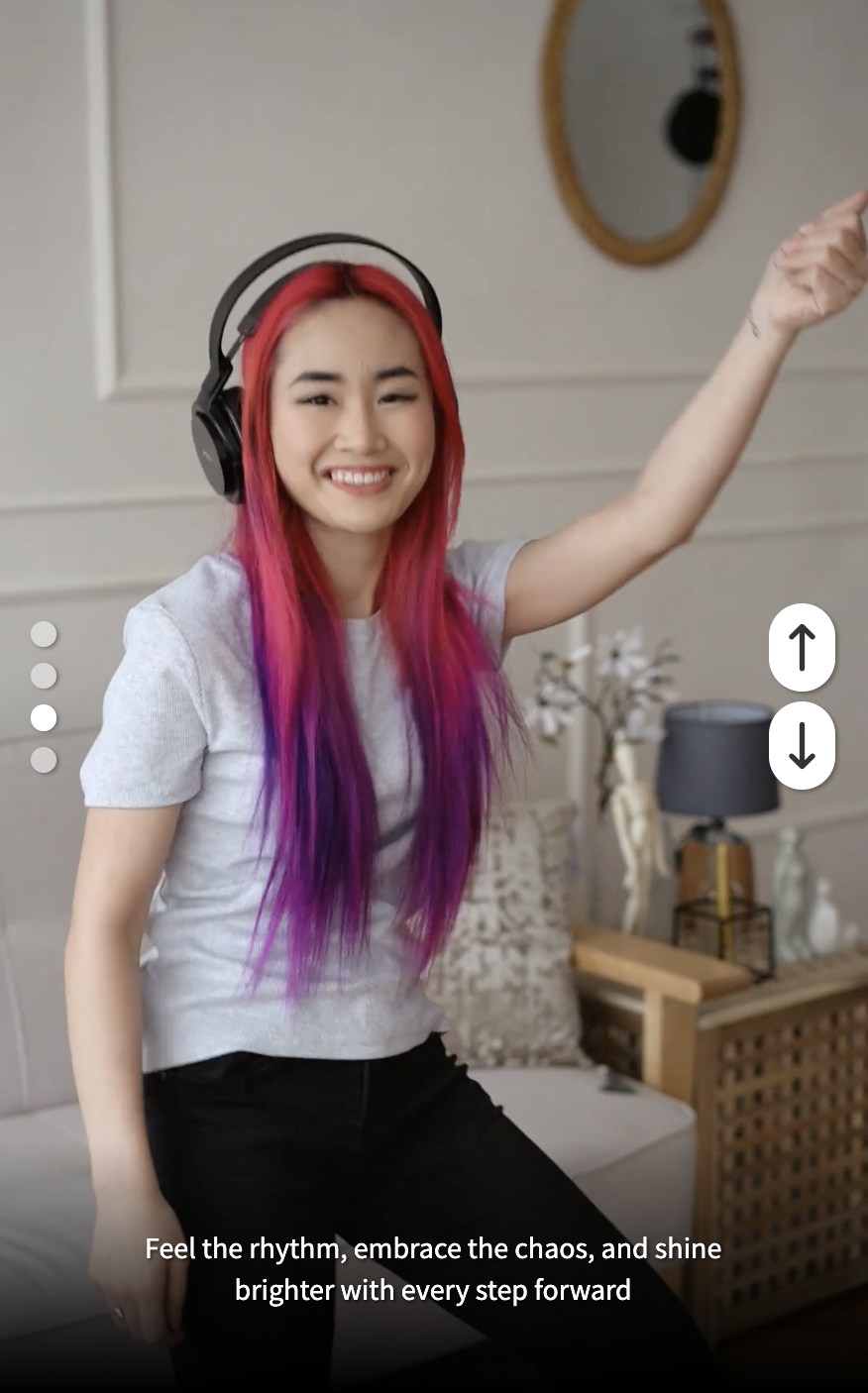
We also updated the Jenga theme with better support for vertical displays. Here’s the Jenga demo. You can also find a vertical demo using Layer Slides and a demo of TikTok videos. You can import any of these with one click from the “Quick Start” screen.

Responsive preview options
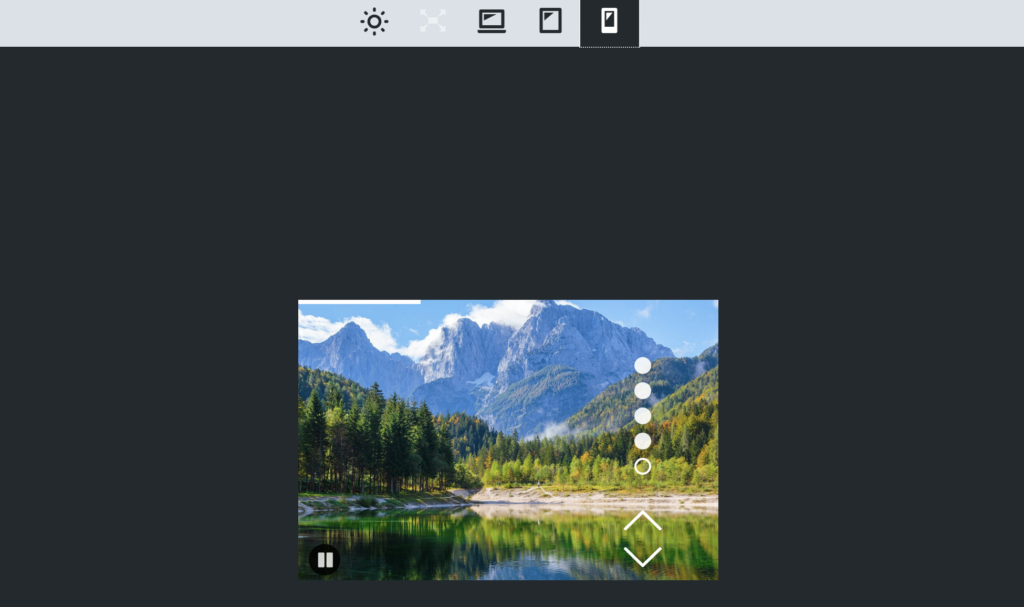
In this month’s release, you’ll find upgrades to the Preview feature in Metaslider. There are larger, clearer icons, and they now include options for Desktop, Tablet and Mobile displays.
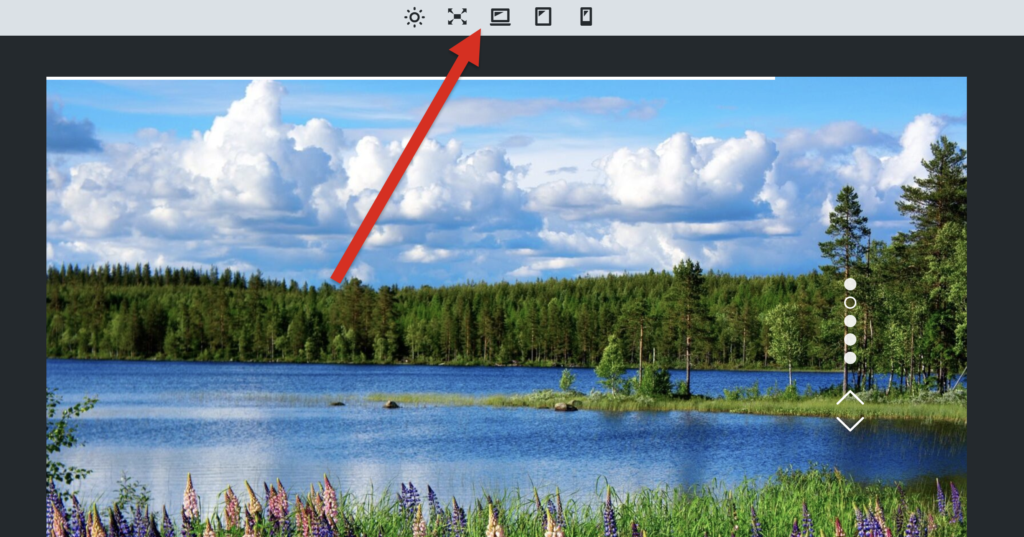
If you click the Mobile button, you’ll see a preview of exactly how your slideshow will appear on mobile devices. Compare the screenshot above, which has a full width display, to the screenshot below, which has a mobile display.
Minimum or maximum carousel items
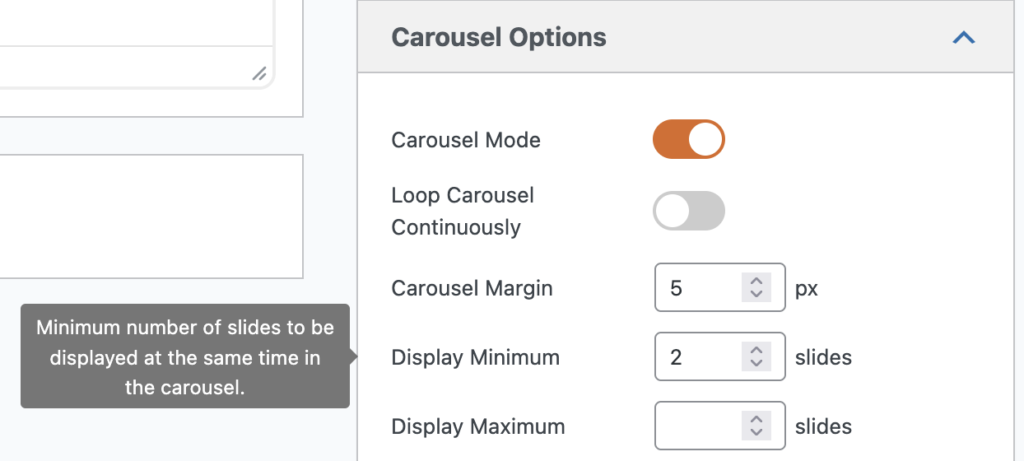
There are improvements to the Carousel feature in this month’s release. In a carousel, there are multiple images visible in the display at the same time. You can now choose the minimum or maximum number of slides to display at the the same time in your carousel. For example, you can use “Display Minimum” to require at least 2 slides to display even on the smallest screens. Or you could use “Display Maximum” to force no more than 5 slides to show on the largest screens, and your slides will automatically expand to fill the space.
Layer Slide improvements
Last, but definitely not least, this release of MetaSlider Pro has a lot of improvements to the Layer Slides feature. Layer Slides allows you to add elements on top of an image or video.
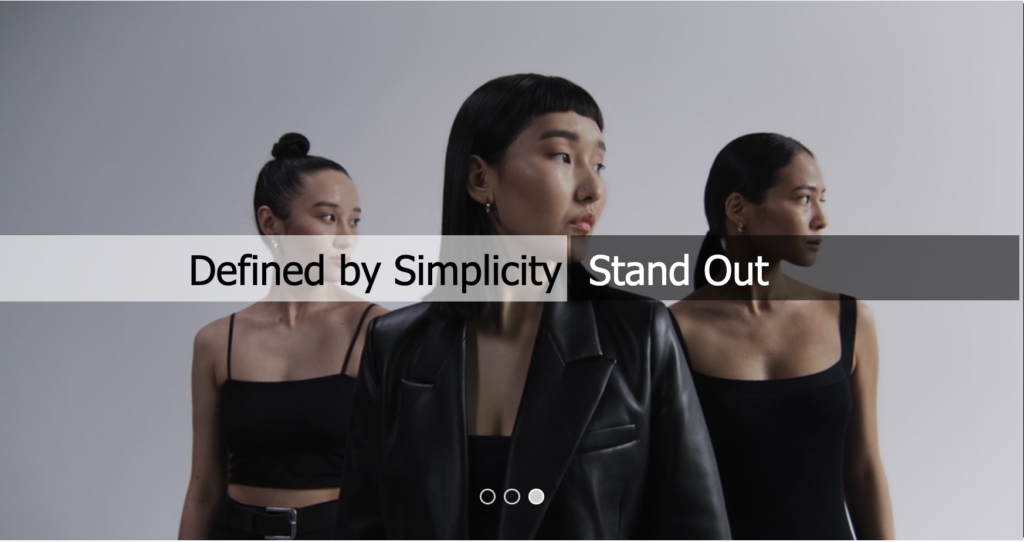
There are now six Layer Slides demos that you can import. One of the new demos is called Fashion Trends and shows how to use Layer Slides with a video background.
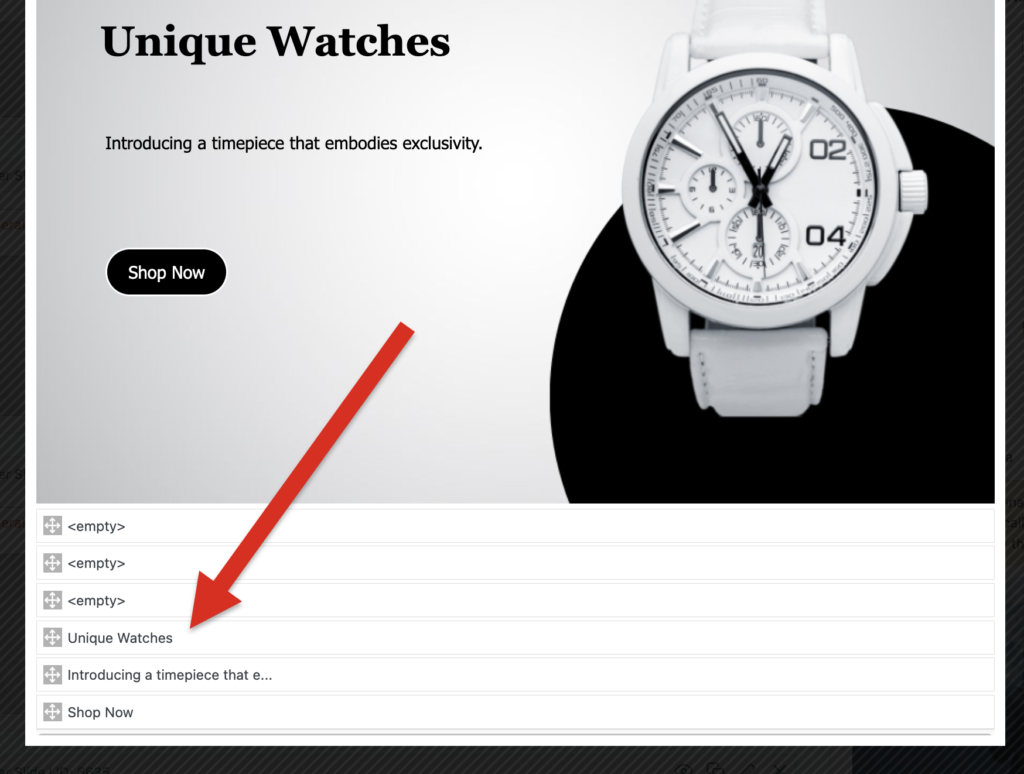
There’s now an overview of all the layers inside a slideshow, and you can change the order of the layers. Layers at the bottom of this list will appear in front of layers at the top of the list.
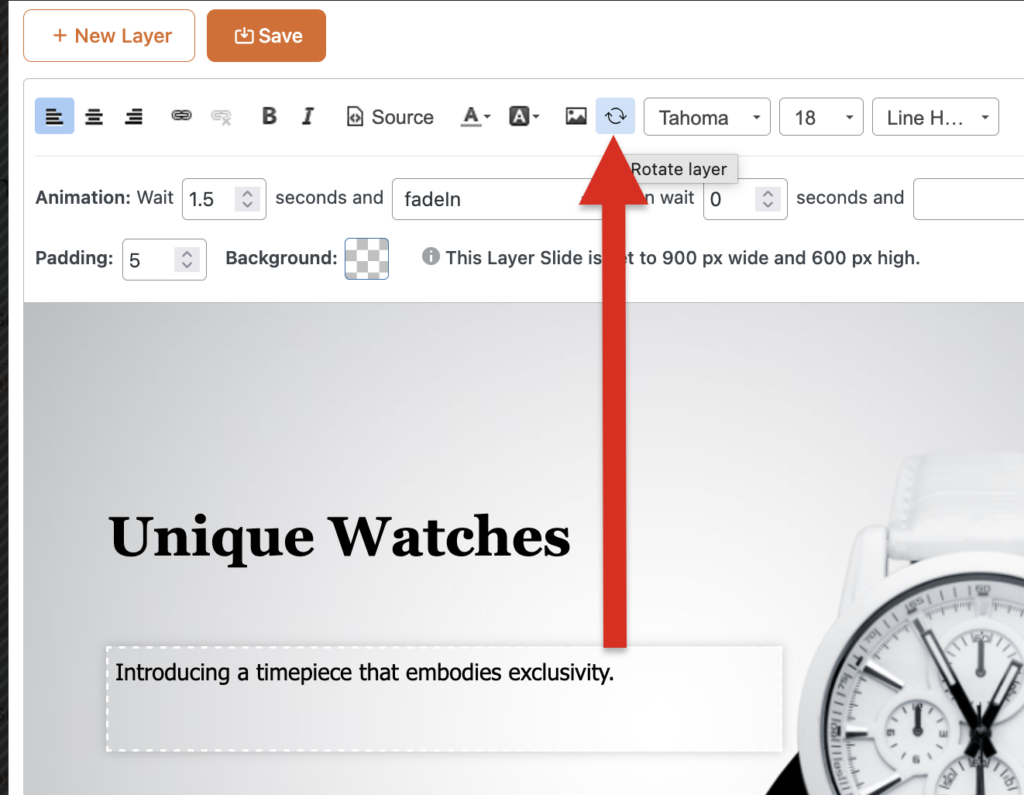
You can now use the “Rotate layer” button, which is shown below, to rotate your layers 90 degrees with each click.
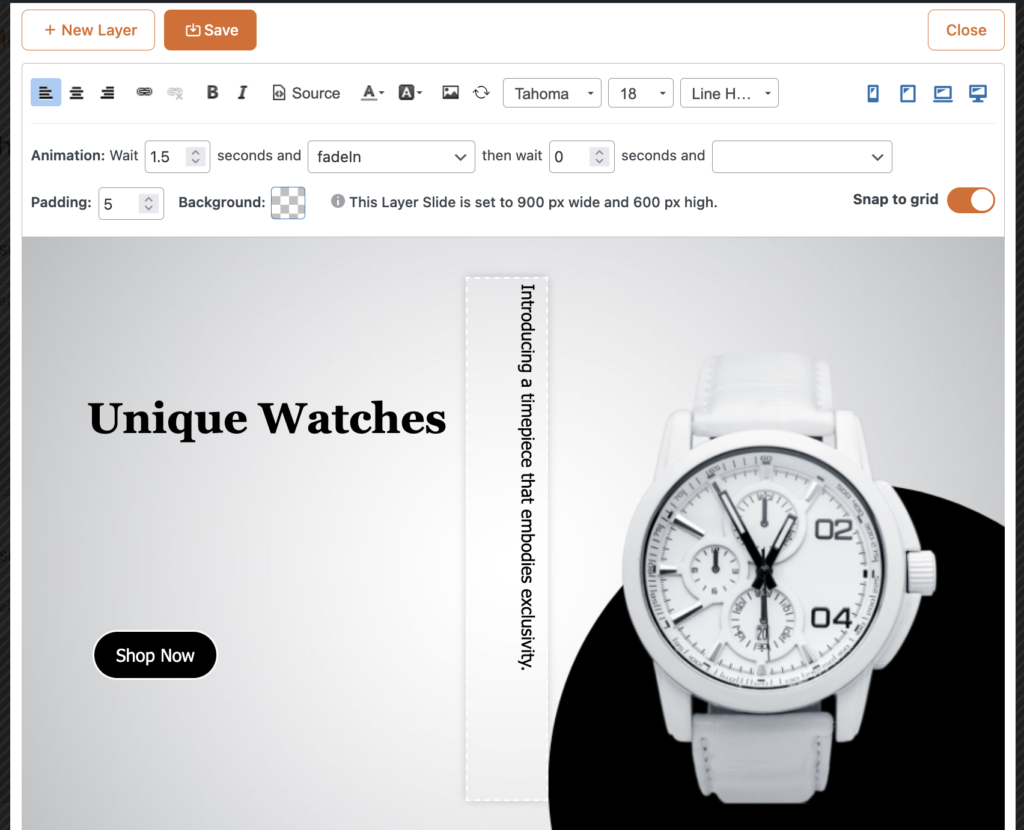
This next screenshot shows one outcome from using the “Rotate layer” button. The layer is now displaying vertically.
Finally, this month we’ve made some upgrades to how text is handled on Layer Slides. The font size for layers uses em units, which means it depends on the font size set by your WordPress theme. For example, if the theme uses a base font size of 14px, then 1em font size for text layers equals 14px, 2em equals 28px, 3em equals 42px, and so on. The final size always depends on the font size of your theme. This is done to make sure your font matches your theme.
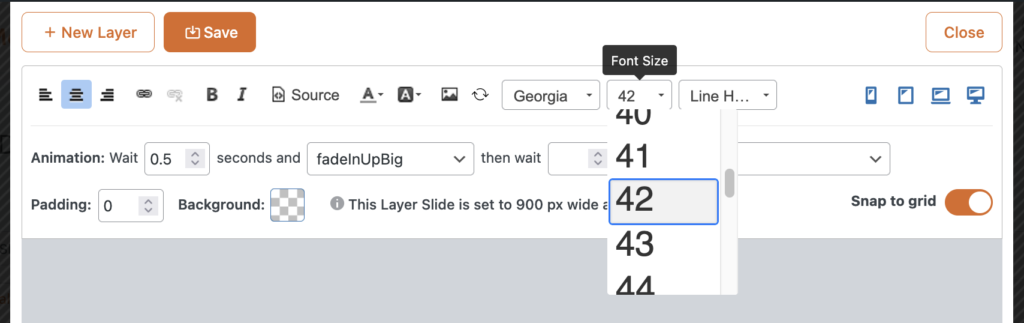
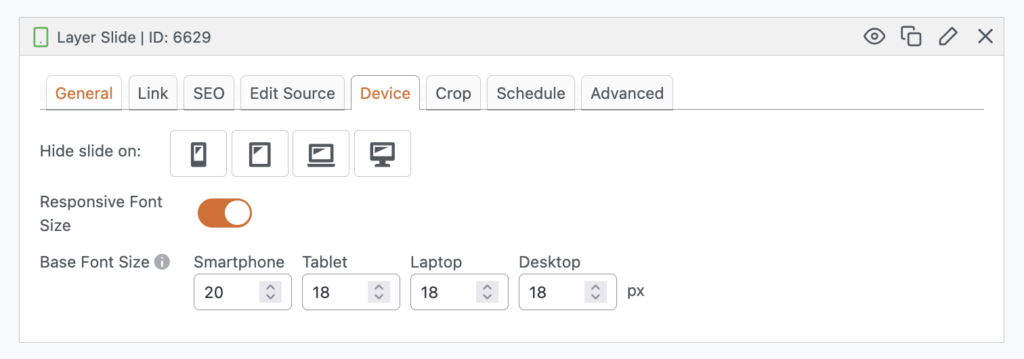
However, you can now set a “Responsive Font Size”. This value will override the default value in your theme. When would you use this? This would be useful to use if your text is too big on small screens but is fine on big screens. You can then reduce the font size for smartphones and tablets.
What’s next for MetaSlider?
We’re planning to add more translations to the plugin to make it easier for international users.
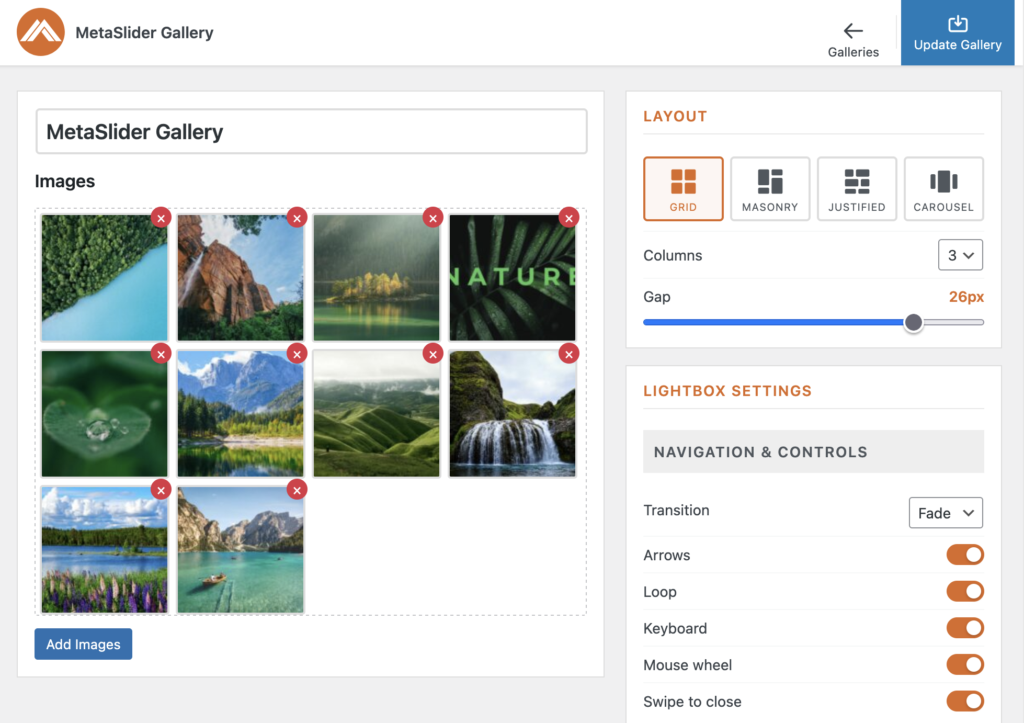
And we’re also back to work on the MetaSlider Lightbox plugin. This is going to have photo gallery features to go alongside the main MetaSlider slideshow plugin.

Get the best WordPress slideshow plugin
MetaSlider Slideshow is the best WordPress slider plugin.
You can create stylish sliders using images, videos and much more.