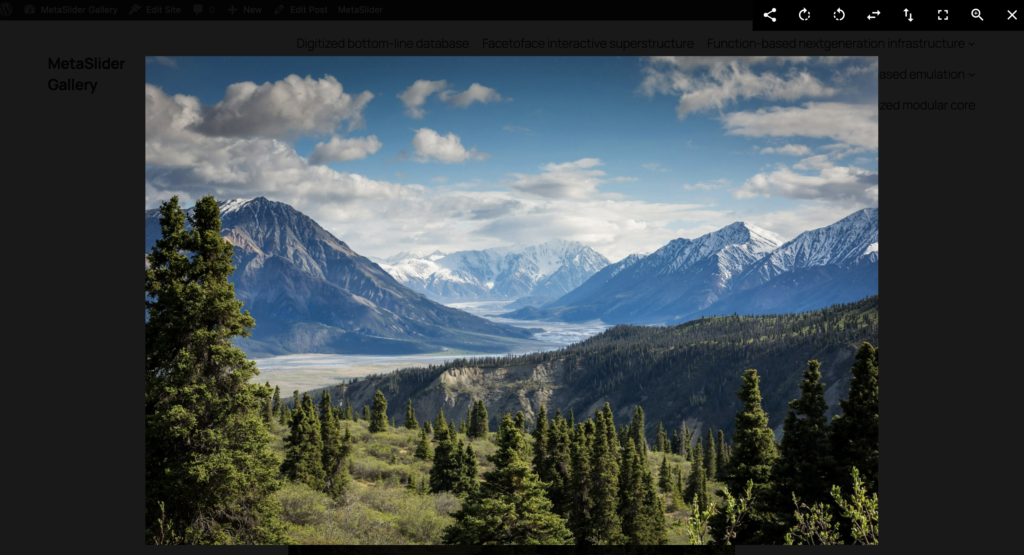
You can use the MetaSlider Gallery plugin to show featured images inside a pop-up window.
You can enhance your featured images with a gallery window. Visitors can view the featured image on your posts and then open them inside a larger window.
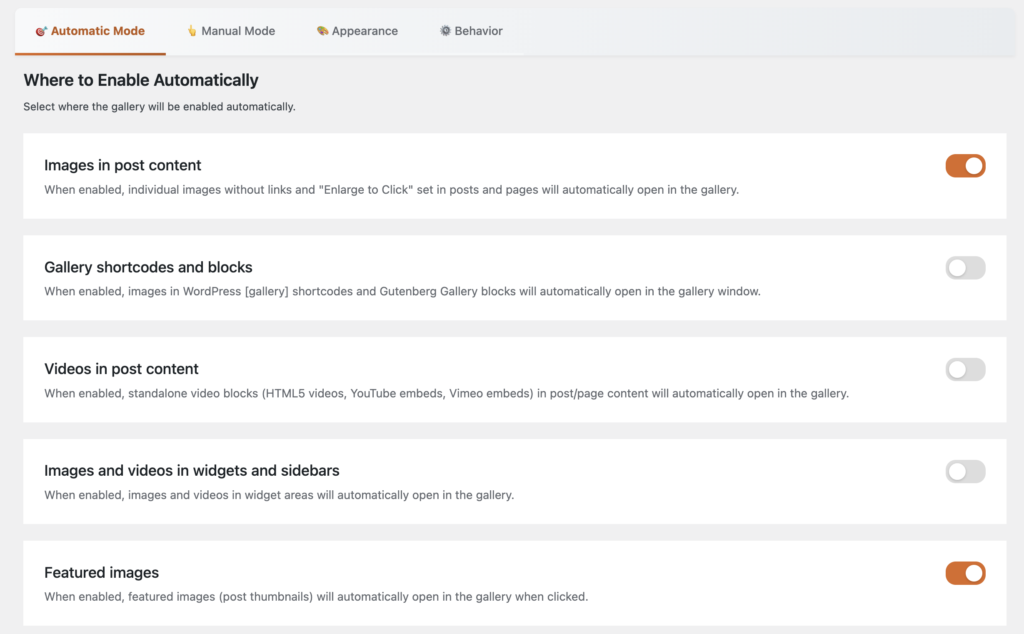
In the “Automatic Mode” tab in MetaSlider Gallery, you can enable the option “Featured images” as show in the screenshot below.
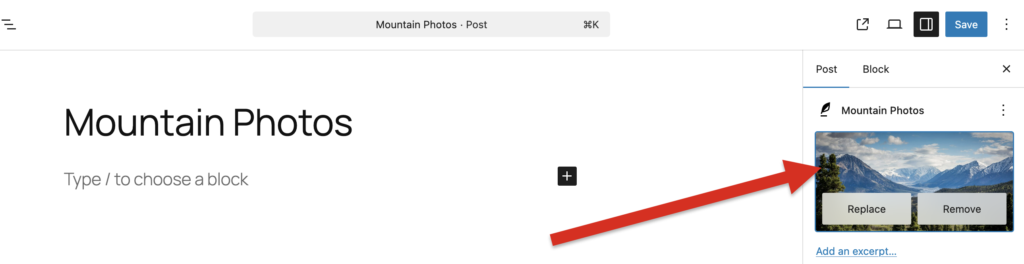
In the next screenshot, we’ve added a featured image to a WordPress post.
After enabling this feature and adding a featured image to a post, you will be able to click on any featured image and see it open inside MetaSlider Gallery. This screenshot shows how the feature image will appear, using all the options available in MetaSlider Gallery Pro.